Calibration, Motor Torque, Jams, and Latch/Bolt Confusion
Separate a mechanical jam, incomplete door sequence, calibration problem, and reported app state without forcing the lock.
Jump to a section
“It stopped,” “the app says jammed,” and “the door is unlocked” describe different things. A lock may be trying to turn a bolt that is under pressure, may be reporting a stale state, or may not be designed to pull the latch or lift the handle that the door needs.

First identify what moved
Record what the lock attempted, what the app reported, and what happened at the door. If it is safe to use the ordinary manual control, check whether the mechanism moves with the door open before testing it closed. A bolt that moves open but binds closed points to door or strike loading; a bolt that will not move open needs exact model and installation checks.
Home Assistant defines a “jammed” lock entity as one that tried to move but got stuck before finishing, such as because the bolt is misaligned or blocked. “Unavailable” means that the entity cannot currently be reached. These are platform states, not universal motor fault codes. The manufacturer’s own diagnostic indicators and the physical lock remain separate evidence.
Calibration is not a repair
Calibration records the expected movement range or setup for a particular device. It cannot correct a wrong adapter, a binding deadbolt, a handle that must be lifted, or a door that is pressing on the bolt. Correct the physical cause first, then use the installed model’s instructions.
Procedures differ. Aqara U200’s manufacturer guidance gives a model-specific Set-button/app calibration path; Nuki provides an on-site recalibration path in its app; SimpliSafe separates battery, base-station, installation, and off-door checks; and igloohome Deadbolt Go distinguishes its pre-pair from post-pair path. The Danalock v2 Scandi quick-mount guide says to recalibrate after battery disconnection and to calibrate with the door open; that requirement is specific to the cited installation. See the linked Aqara U200, Nuki, SimpliSafe, and igloohome Deadbolt Go guides for their bounded procedures. None is a general calibration sequence.
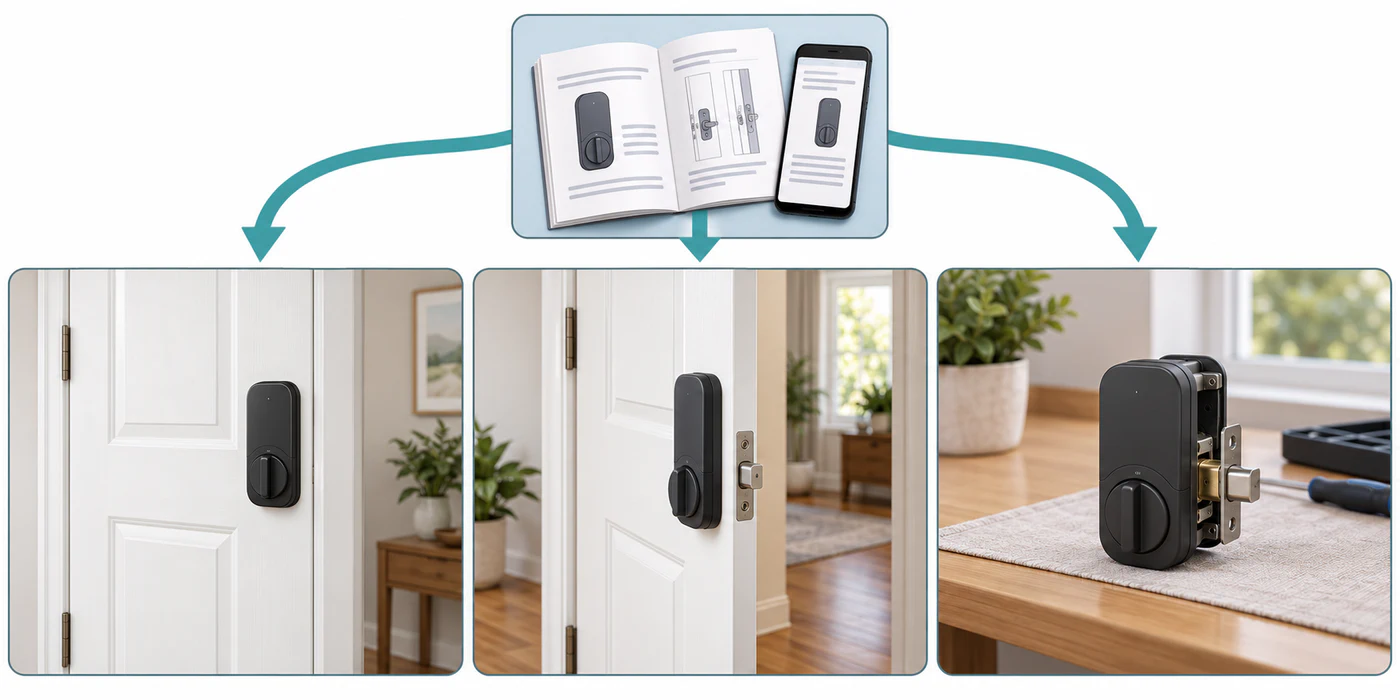
Yale’s Assure Lock 2 support also treats low batteries, Bluetooth proximity, mounting pressure, strike alignment, and recalibration as possible causes of app non-response. Check that the exact Yale model moves smoothly by hand and use its app instructions; do not assume the same screw or reset procedure applies to another lock.
If a Yale Assure lock needs electronic handing after it was moved or programmed off the door, see Yale Assure re-handing. The Assure Lock 2 app-calibration guidance and the family-level handing path address different procedures.
Do not confuse a command with a completed action
An app can report a command or a lock entity state without proving the bolt, latch, and door are physically in the expected positions. A “jammed” state does not tell you whether the cause is the strike, latch, handle sequence, battery, or a device-specific fault. A “locked” state does not prove a separate door-position sensor is correct.
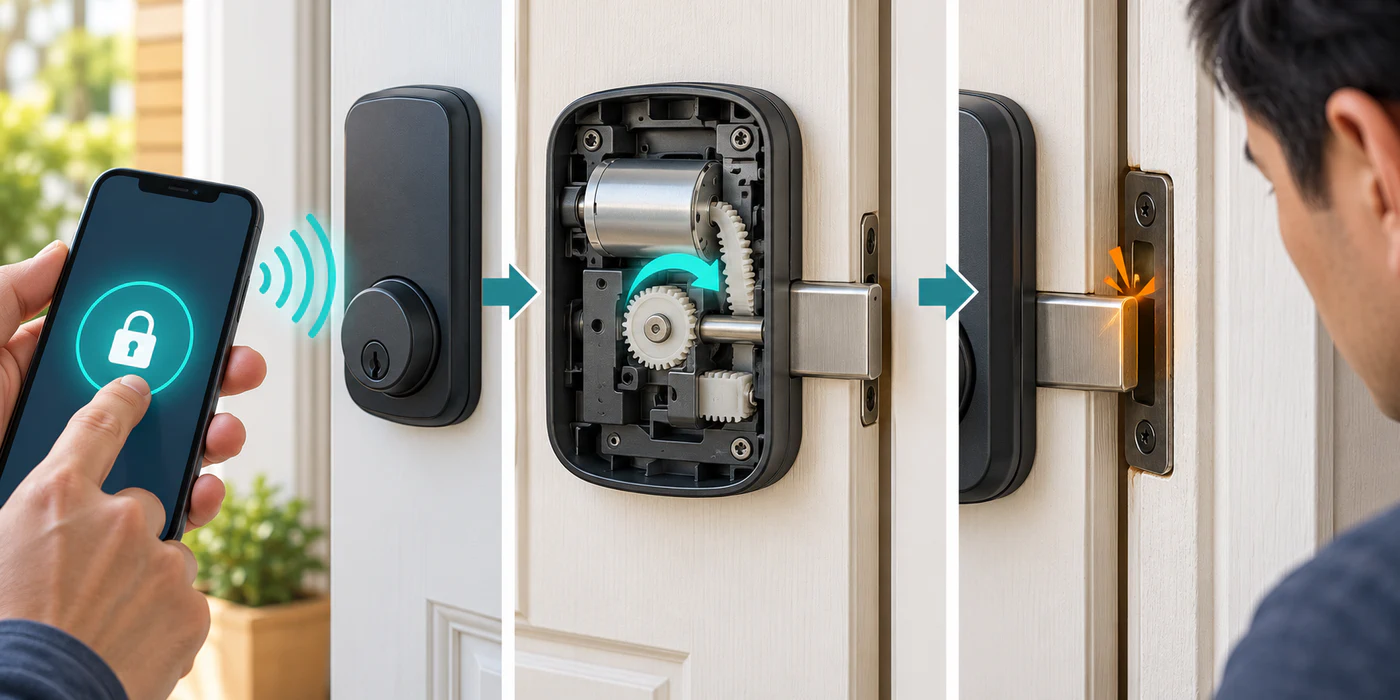
If the lock needs a handle lift, pulling a latch, or engaging several hooks, check the exact door sequence. A key-turning motor may not provide every action. See handle-lift and multipoint problems.
Stop repeated attempts
Do not repeatedly command a motor against a binding bolt. Preserve manual entry and exit, keep any mechanical key available, and avoid a factory reset until the manufacturer’s instructions explain what credentials or ecosystem links it will clear. If the door cannot be operated by hand or the security state is unclear, stop and contact the lock manufacturer or a qualified locksmith.
For related causes, see door alignment, key and state problems, and the overall fit-versus-setup triage.
Reference material
Sources for this guide
- LockPrimary
- How to calibrate your Smart LockPrimary
- Danalock v2 Scandi Quick Mount GuidePrimary
- U200 Installation MethodsPrimary
- Aqara U200 User ManualPrimary
- Calibration GuidePrimary
- Troubleshooting Smart Lock CalibrationPrimary
- Lock Not Operating by AppPrimary