Handle-Lift and Multipoint Manual-Sequence Problems
Diagnose a smart lock that turns a key but cannot complete a lift-up-handle, latch-pull, hookbolt, or multipoint sequence.
Jump to a section
A smart lock may turn the key or report “unlocked” while the door remains latched. Some doors require the handle to be lifted before the key or cylinder can engage the hooks. Other doors need the latch to be pulled after unlocking. These are separate actions.
Reconstruct the door’s normal sequence
With the door open and following its ordinary manufacturer instructions, identify each action needed to lock and unlock it:
- Does the handle need to be lifted before the key turns?
- Does turning the key extend only a deadbolt, or does it engage several bolts or hooks?
- Does the lock need to pull the latch to release the door?
- Does the outside handle release the latch, or is a key needed?
- Which action does the smart lock actually provide?
Do not infer the answer from a product name or from a lock that looks similar. Door hardware, cylinder, and product setup can vary by market and model.
Check the smart lock’s action
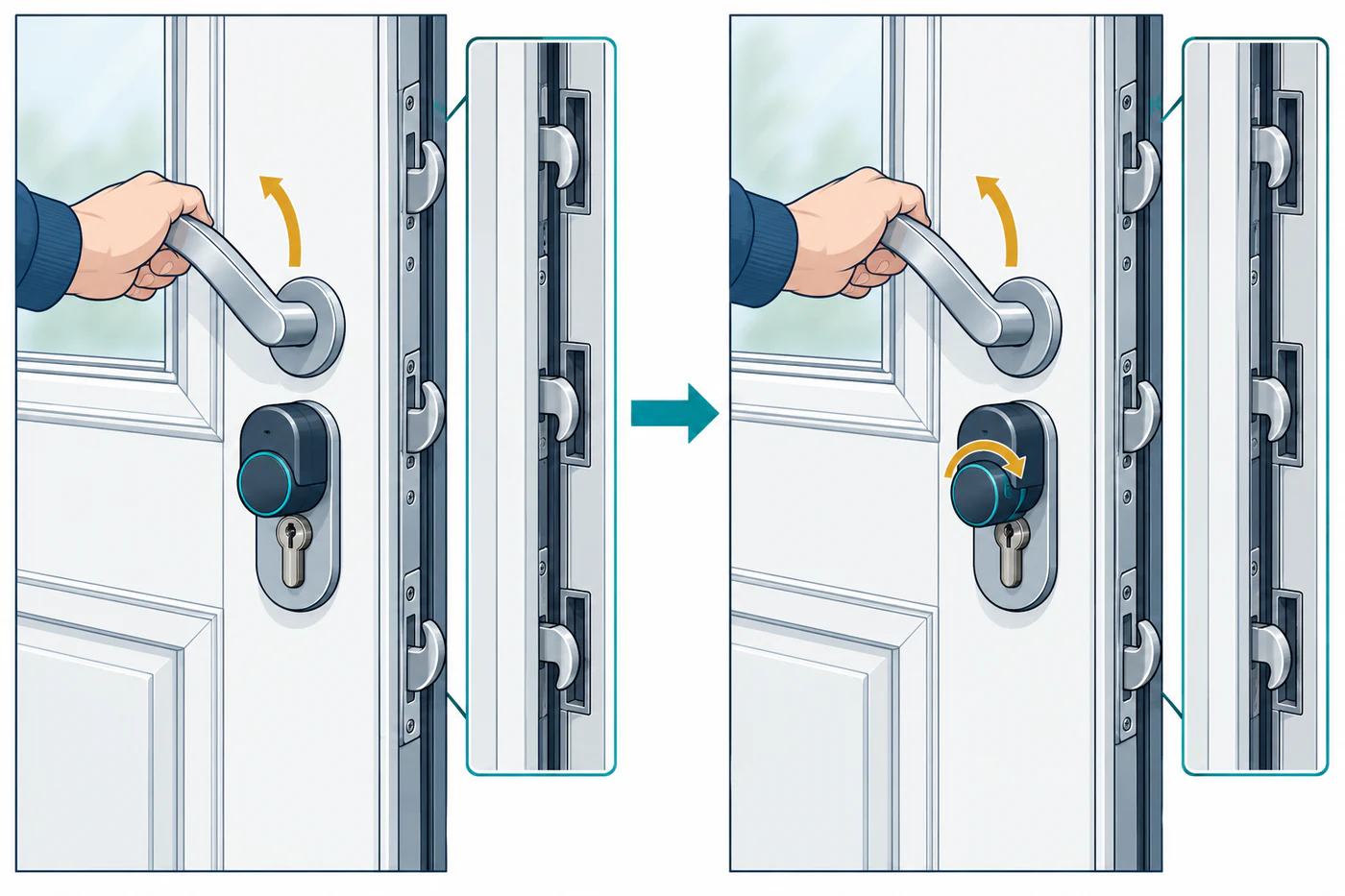
Nuki’s setup guidance distinguishes two common lift-up-handle arrangements. Some doors have inside and outside handles that move together; on others, only the inside handle releases the latch, so a key is still needed from outside. Nuki says its Smart Lock can pull the latch in the supported setup, but it cannot lift the door handle. The handle must therefore be lifted before any locking action, including app and automation commands covered by that setup.
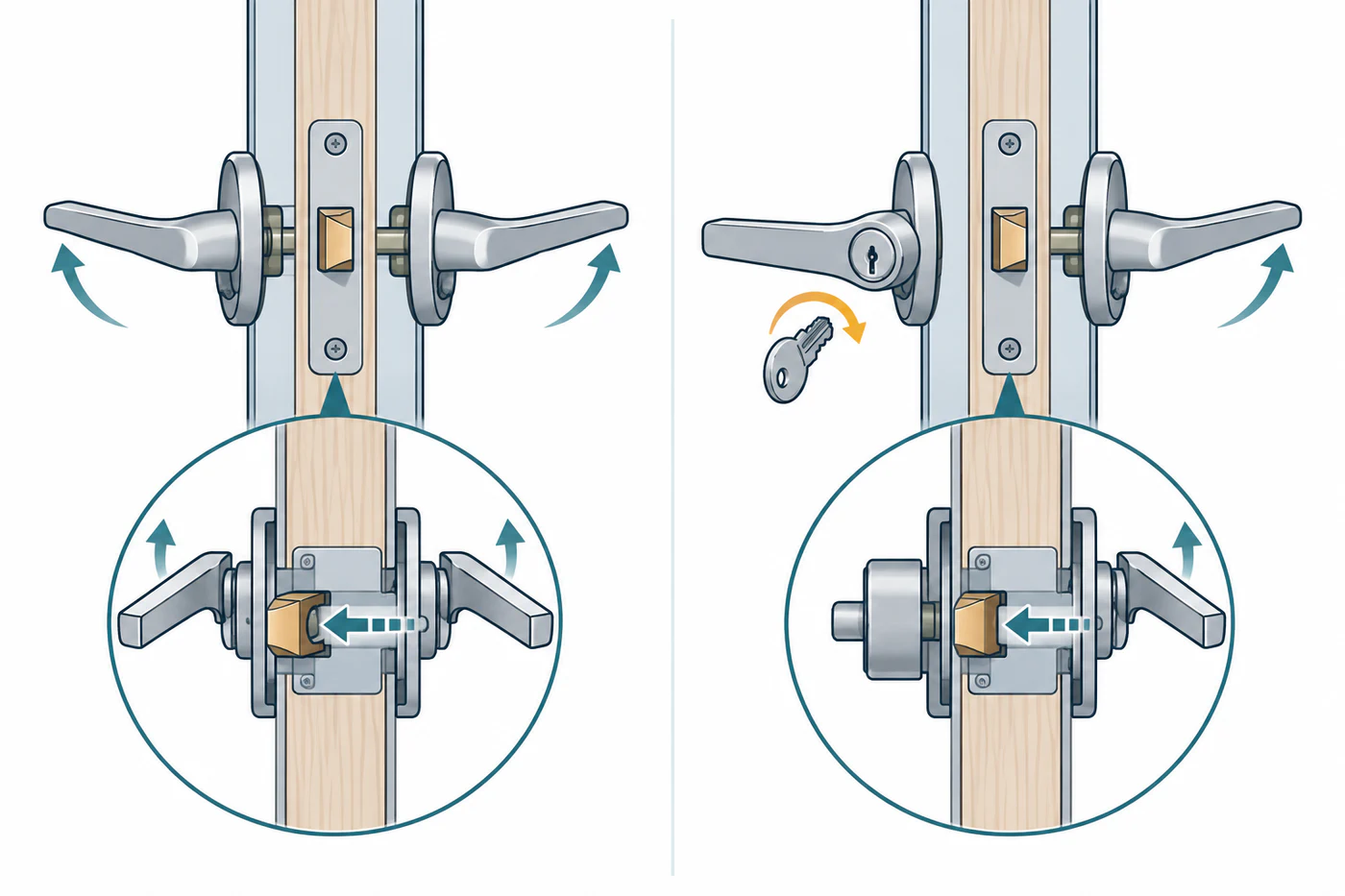
During the cited Nuki setup, choose “Lift-up handle” as the door fitting and follow the app’s instruction to calibrate with the door unlocked but closed, lifting the handle when requested. These steps apply to the documented Nuki setup only. Use the exact model’s current instructions for other products.
Keep the feature verdict separate
Check each required function separately: key turning, latch pulling, handle lifting, automatic locking, schedules, remote locking, and door-state reporting may not share the same support boundary. A lock can be physically attached and connected to an app but still be unable to complete the door’s full locking sequence.
If a manual step remains, state it plainly and check whether the lock’s own app can reliably warn about it. Do not describe the result as fully automatic compatibility when the handle must still be lifted by someone.
Know when this is not a calibration problem
If lifting the handle and using the key does not operate the door normally, stop before running calibration or motor retries. The door may be binding, the cylinder may be wrong for the mechanism, or the lock may not support the required action. Ask the door or lock manufacturer, or a locksmith, to identify the exact mechanism.
For a motor that stops after the correct sequence, see calibration and jam diagnosis. For app-reported state and physical position, see key, emergency, door, and lock-state problems.
Reference material