Key, Emergency, Door, and Lock-State Problems
Separate a key or emergency-access issue, a door-position sensor reading, and an app-reported lock state.
Jump to a section
“The app says unlocked,” “the door is open,” and “the key will not turn” refer to different parts of the system. Separate the physical cylinder and bolt, any emergency-access method, the door-position sensor, and the app’s reported lock state before deciding what failed.
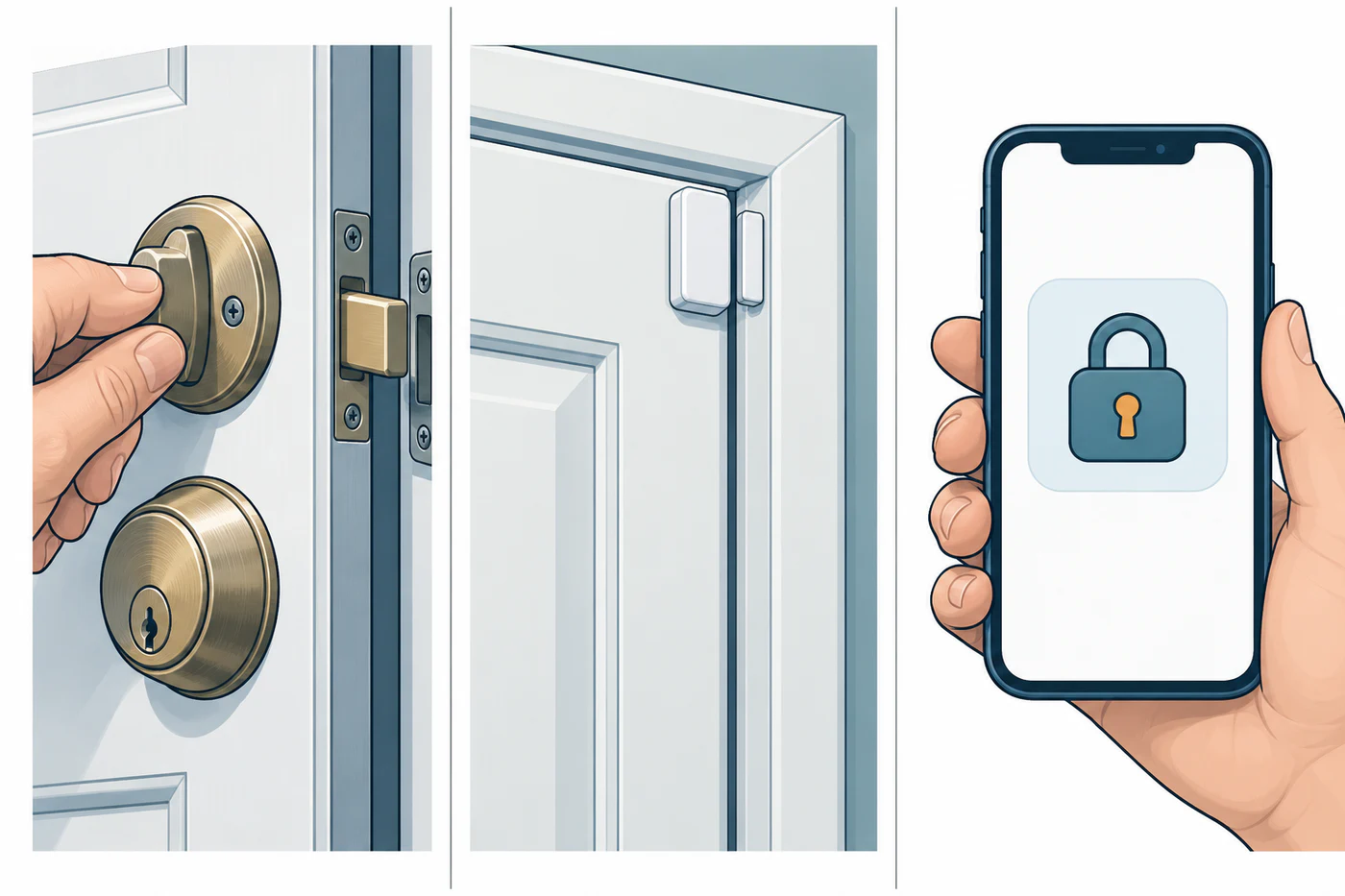
Distinguish the signals
| Signal | What it can tell you | What it does not prove |
|---|---|---|
| App says locked or unlocked | The integration reports a lock state | That the bolt completed its movement or that the door is closed |
| Door sensor says open or closed | A sensor reports door position | That the lock is engaged or that the bolt moved |
| Key or thumbturn operates | The physical mechanism can be moved through that control | That a motor, app, hub, or remote command will work |
| App says jammed | In Home Assistant, the lock tried to move but got stuck | Which part is binding or whether another platform uses the same definition |
| App says unavailable | The entity cannot currently be reached | That the lock is mechanically jammed |
Home Assistant defines locked, unlocked, open, opening, jammed, and unavailable states for its lock entity. Those labels are useful context for that platform, not a universal code list. Check the physical lock and the manufacturer’s own indicator or support guide.
Check door sensing independently
Yale describes DoorSense on the Linus L2 as an app indication of whether the door is open or closed, based on a magnetic field. Yale says nearby magnetic changes or door and frame construction can affect accuracy. Its model-specific guidance is to use the in-app calibration, align the magnet with the thumb-turn, and consider the listed spacer or additional-magnet options when the frame leaves the magnet offset.
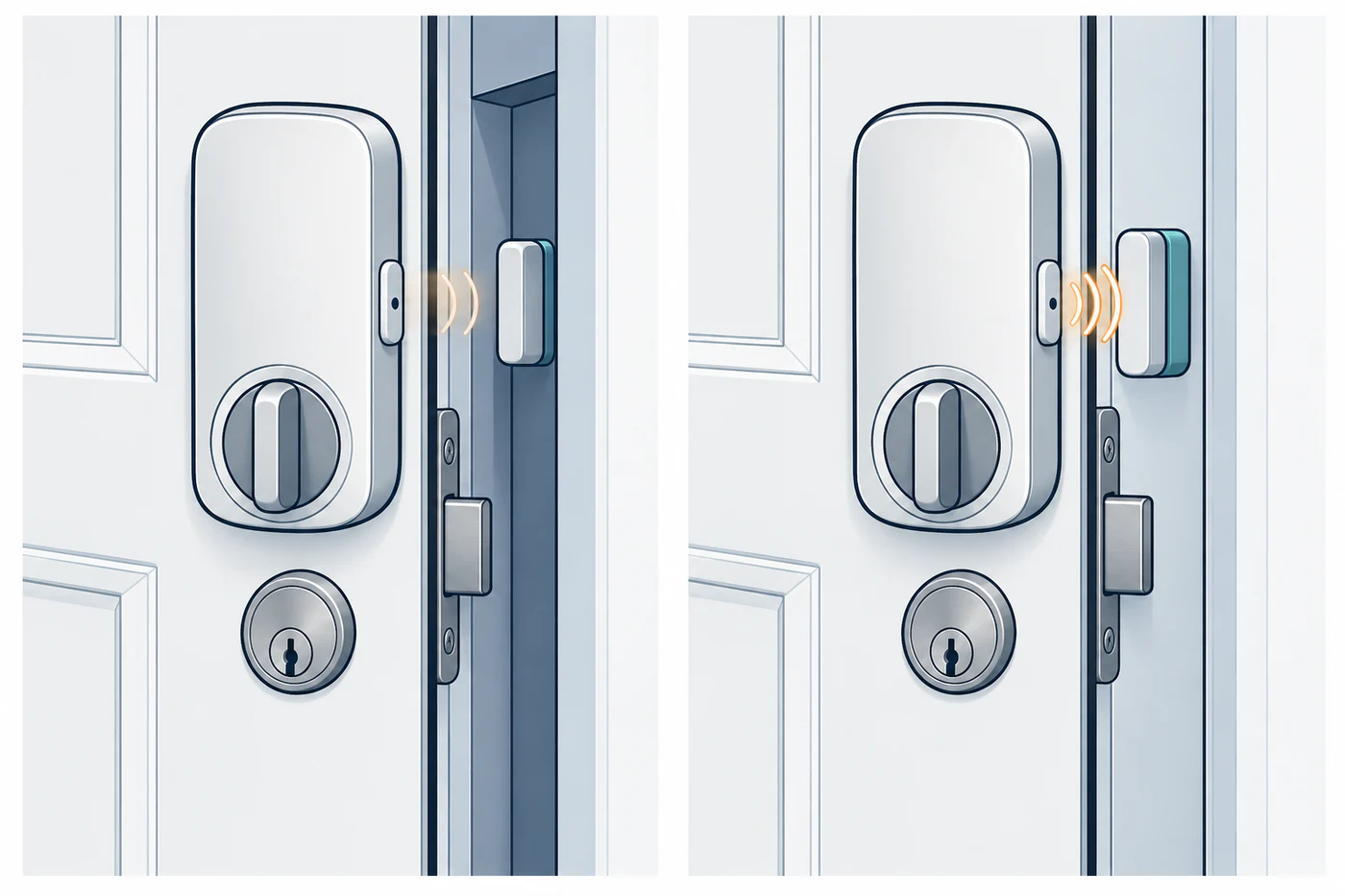
That reading remains a door-position signal. It does not confirm that a bolt or cylinder secured the door. See the Yale Linus L2 DoorSense guide for its bounded checks.
Treat key and emergency behavior as model-specific
Confirm whether the key cylinder supports the lock’s required emergency function and whether the exact model has a documented mechanical key, backup-power input, or other fallback. Keep the manufacturer’s instructions and any required key accessible. Do not borrow another model’s emergency procedure or improvise a power connection.
The cited New Zealand Yale Assure Series support page identifies a 9 V backup-power option for certain Assure locks, with terminals below the touchscreen; confirm that the exact model supports it and follow its instructions. The KAADAS P30 Pro Max Singapore manual lists a mechanical key and low-battery indicator, but does not establish emergency steps for other regional variants. These examples are model-scoped and are not interchangeable.
Nuki warns that remote state correction can rarely turn the key in the wrong direction. Its support recommends using the on-site calibration path so someone can confirm the door is closed and locked. A remote command or a changed app state is not a substitute for checking the door in person.
If a key, handle, or thumbturn suddenly becomes difficult to operate, stop motor retries and check the mechanical sequence and alignment. See handle-lift and multipoint problems and calibration and jam diagnosis.
Reference material
Sources for this guide
- LockPrimary
- Troubleshooting DoorSensePrimary
- How to calibrate your Smart LockPrimary
- Assure Lock® SeriesPrimary
- P30 Pro Max User ManualPrimary