Yale Linus L2 DoorSense Troubleshooting
Calibrate the Yale Linus L2 DoorSense magnet and separate a door-position reading from the lock’s physical state.
Jump to a section
Yale describes DoorSense as a Yale Home app indication of whether the door is open or closed. It uses a magnetic field near the lock and magnet. That reading is separate from whether the lock’s cylinder or bolt completed its movement.
Check the sensor before the lock
If the app reports the wrong door position:
- Use Yale Home’s in-app DoorSense calibration.
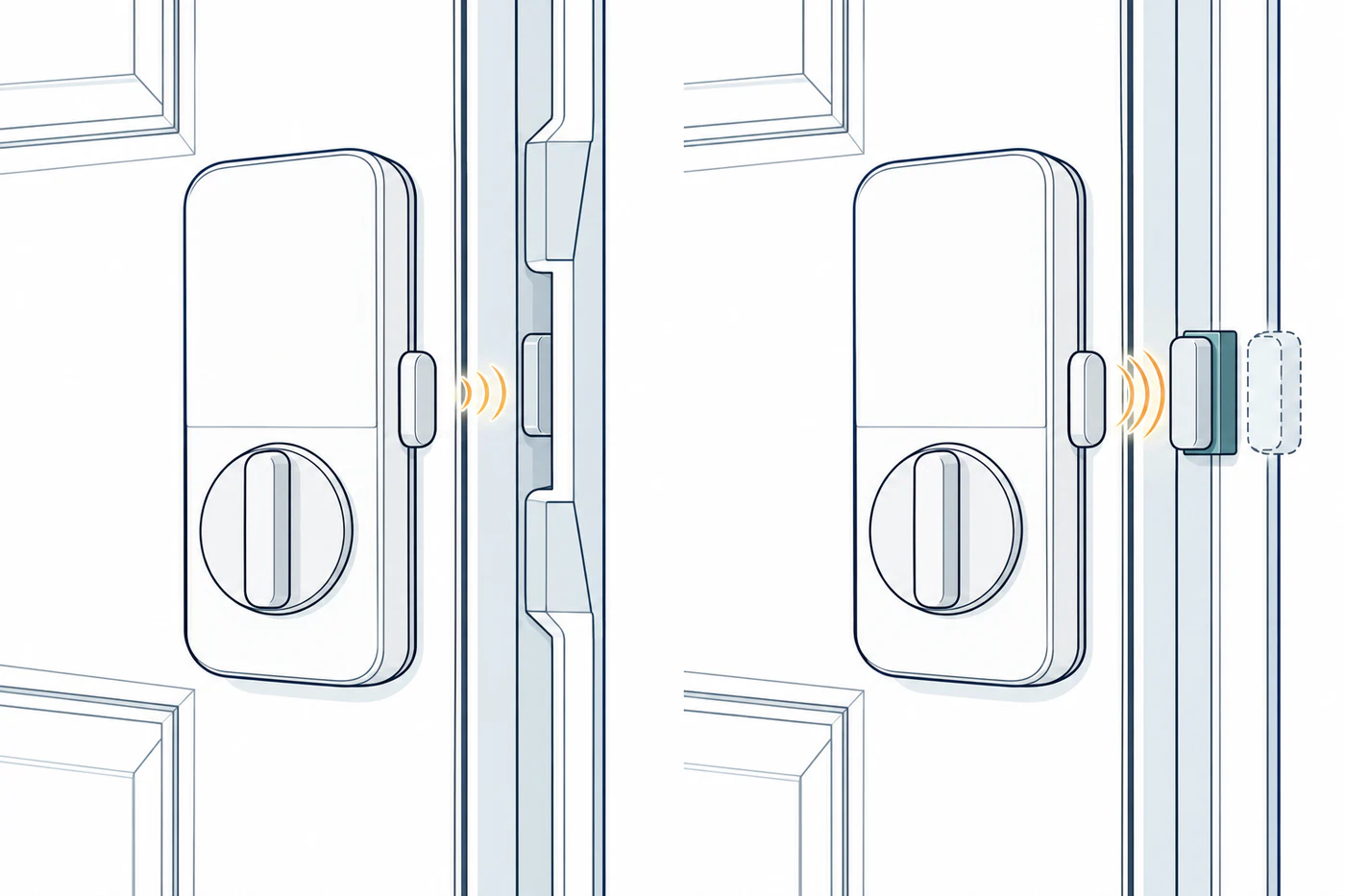
- Check whether the DoorSense magnet is aligned with the thumb-turn on the Linus L2.
- Consider whether the door or frame leaves the magnet offset from the door surface.
- Follow Yale’s product guidance for a spacer or an additional magnet if the cited installation conditions apply.
Yale notes that changes around the lock, including replacing the battery cover or bringing another magnet nearby, can affect the reading. Door and frame construction can also make the intended magnet position difficult to achieve. The cited page gives no universal magnet distance, spacer thickness, or field-strength threshold.
Verify lock movement separately
After calibrating the sensor, check the physical lock state using the normal manufacturer procedure. An open/closed DoorSense reading does not prove that the bolt or cylinder is locked. Likewise, a reported locked state does not prove the door sensor is aligned.
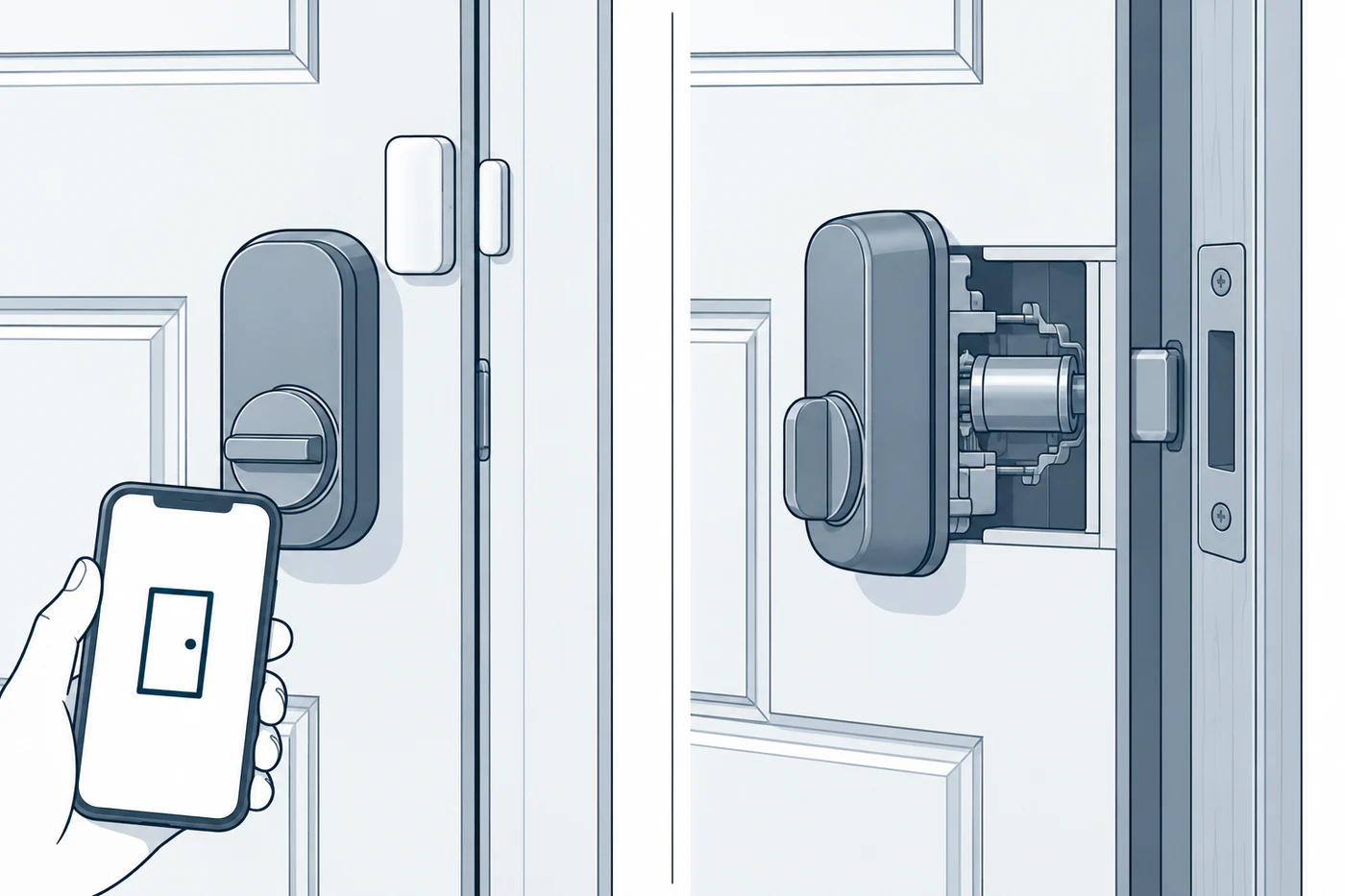
If the bolt itself is hard to operate, stop sensor adjustments and check the mechanical path. See calibration and jam diagnosis and key, emergency, door, and lock-state problems.
Reference material
Sources for this guide
- Troubleshooting DoorSensePrimary