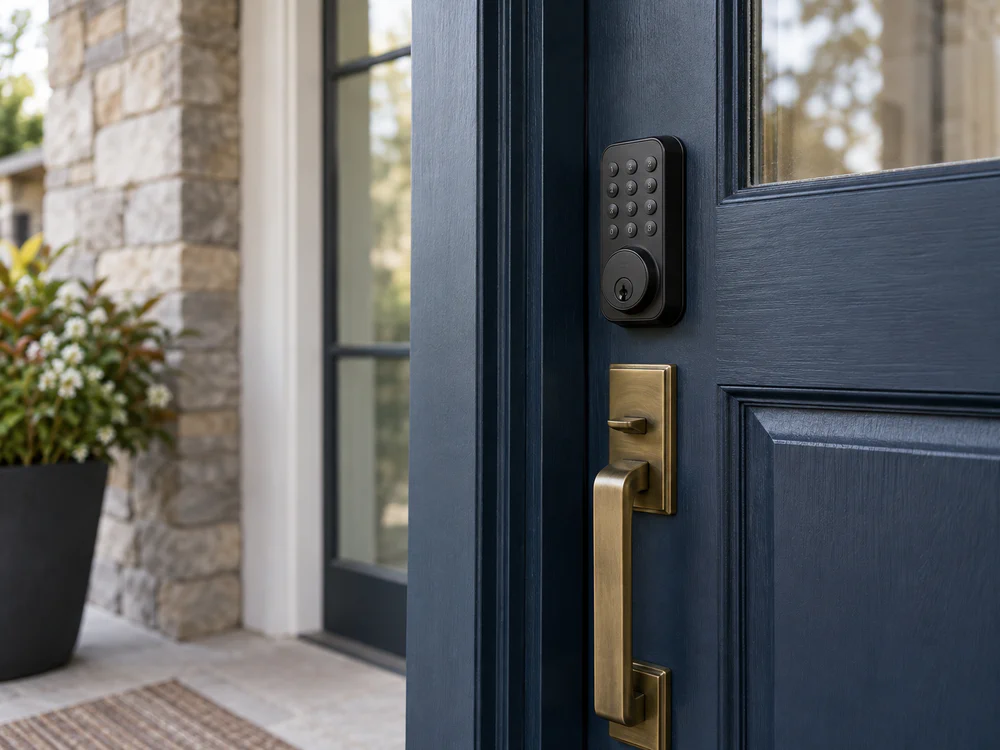
Start with the door and lock you already have. A smart lock can support your preferred smart-home platform and still be a poor mechanical fit. A physical fit also does not guarantee that the lock can perform the action your door requires.
SmartLockFit.com helps you check both sides before choosing a model: whether it fits and operates your door, and whether its connected features meet your needs in your market.
Check compatibility in this order
- Identify the door and existing lock. Note the country, door type, and mechanism. A North American deadbolt, a Euro cylinder, a multipoint lock, and a patio-door system call for different checks.
- Record the measurements and required action. Depending on the mechanism, useful details may include door thickness, backset, bore, cylinder dimensions, clearances, and whether you turn a key, lift a handle, or operate a multipoint mechanism.
- Choose an exact lock model and variant to check. Keep the generation and market in view; a shared brand or product-family name does not establish that two variants fit or behave alike.
- Check the connected features separately. Confirm the protocol, required hub or bridge, and the particular functions you want, such as remote access, voice control, or local control.
- Resolve conditions before buying. A result may depend on a measurement, an accessory, a cylinder change, a door modification, or an installer. Follow the condition attached to the specific combination you are checking.
What a compatibility result means
SmartLockFit.com treats mechanical fit and smart-home support as separate questions. Each result applies to a particular lock model or variant, door or mechanism, market, and relevant ecosystem conditions.
| Result | How to use it |
|---|---|
| Confirmed compatible | The specified combination is supported by the available compatibility information. |
| Compatible with an accessory or modification | The combination depends on the stated accessory or change. Check that requirement before purchase. |
| Conditional — verify measurements or operation | A fit or operating detail still needs to be checked on your door. |
| Not compatible | A known mismatch applies to the specified combination. Look for a documented alternative or resolution path. |
| Unknown / not documented | There is not enough information to confirm the combination. Treat the result as unresolved, not as a compatibility claim. |
A platform or protocol label alone does not show whether a lock fits your door or exposes every feature you need. Check the mechanical and electronic results independently.
Browse by what you need to check
- Identify your door and lock — recognize the mechanism, measurements, and action your current hardware requires.
- North American deadbolts — check US and Canadian deadbolt replacement and retrofit conditions.
- UK and European locks — explore cylinders, mortise locks, multipoint systems, and related operating requirements.
- Patio, manufacturer, and special doors — check named door systems and configurations that need system-specific evaluation.
- Browse smart-lock brands and models — find published brand pages and the exact models and compatibility questions each guide covers.
- Ecosystems and connectivity — compare protocols, hubs, platforms, and supported features. Browse related topic tags for cross-category guides.
- Installation and compatibility problems — investigate fit, alignment, calibration, connection, and commissioning issues.
- Accessories, adapters, and purchase paths — find documented ways to resolve a mismatch, including when to seek an installer.
When a result is conditional or unknown, use the relevant guide to identify what remains to be checked. Do not rely on a similar model, a brand name, or a general smart-home label as a substitute for the exact door-and-lock combination.