Smart Lock Does Not Work: Fit Problem, Setup Problem, or Incompatibility?
Triage a failed smart-lock installation by separating physical fit, required door actions, calibration, power, network, and ecosystem causes.
Jump to a section
A smart lock that fails to move or respond may still fit the door. Before replacing it, separate the physical lock action from calibration, power, and connected-home setup. A useful diagnosis begins with the exact lock and door, not with repeated app commands.
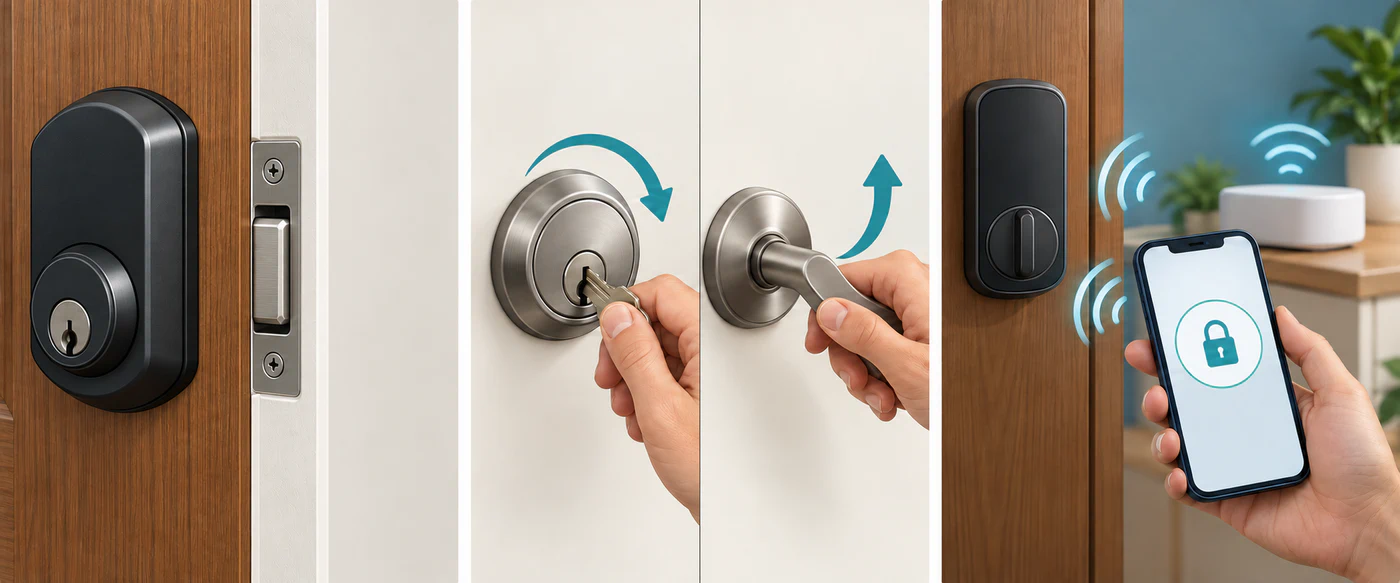
1. Record what is installed
Write down the full model and regional variant, the door and lock mechanism, the required action, and the app or ecosystem where the problem appears. Include any visible firmware or app version. A product-family name alone may hide differences in cylinder, latch, hardware revision, radio, or market.
Describe the door’s normal locking sequence. Does it use a deadbolt, a key-turn cylinder, a latch pull, a lift-up handle, or several hooks? A device that turns a key does not necessarily lift a handle or complete a multipoint sequence. For example, Nuki’s setup guidance says its Smart Lock cannot lift a lift-up handle, so the handle must already be raised for locking in that setup.
2. Test the ordinary mechanical action
Follow the lock manufacturer’s installation guide. For a deadbolt that can be operated manually, Schlage’s published test order is:
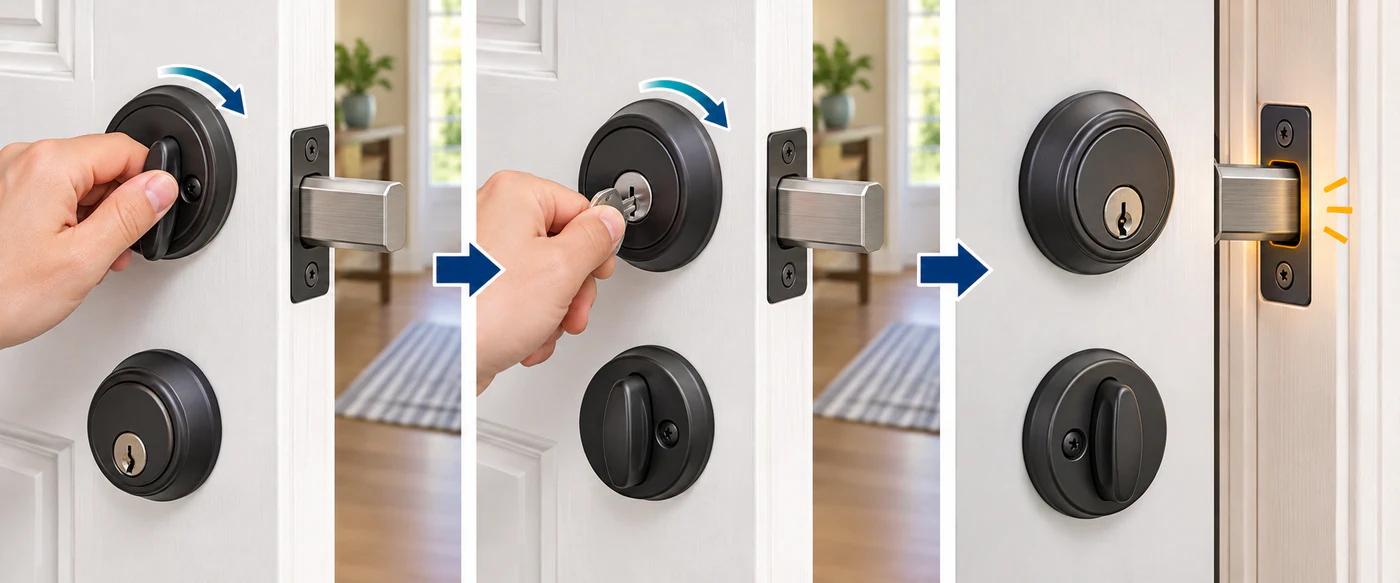
- With the door open, extend and retract the bolt using the inside thumbturn.
- Keep the door open and repeat the test from the outside with the key.
- Close the door and test again.
If the bolt moves freely with the door open but drags against the strike when closed, investigate door and frame alignment before blaming the motor. If the lock binds with the door open, do not keep driving it with a motor; check the exact mechanism and installation guide or ask a locksmith.
These tests do not apply unchanged to every cylinder, latch, or multipoint door. Use the normal mechanical controls and the exact model’s safe testing procedure.
3. Compare the required action with the lock’s capability
Check whether the lock is expected to turn the cylinder, pull a latch, lift a handle, or only report a command to another controller. A door can be electronically reachable while the required physical sequence remains incomplete. Check the product’s exact fitting choice and setup mode, then compare its supported operation with the door’s real sequence.
Check door preparation independently from lock action. For example, the Aqara U300 manual specifies a 60 or 70 mm backset and an adjusted supplied latch; those checks apply only to that lever lock. See the Aqara U300 fit guide for its installation gates.
For multipoint doors, observe the handle, key, and bolt sequence using the manufacturer’s normal method. Do not assume a remote command can replace a manual handle lift or engage every hookbolt. If the action is unsupported, that is a compatibility limit; if the action is supported but the door is stiff, it is a separate mechanical problem.
Check the lock type and measurements as separate fit gates. Aqara’s U400 product page, for example, limits the named models to single-cylinder deadbolts and says dimensional modification may be needed; it does not provide a complete door-measurement matrix. That listing alone cannot establish a fit verdict for a particular door.
4. Recalibrate only after fit and movement are sound
Calibration teaches a device its movement range; it does not repair a binding bolt, incorrect tailpiece, or misaligned strike. Follow the product’s own calibration instructions and preconditions. Some procedures require a closed, unlocked door; others require an open door. Do not substitute another brand’s sequence.
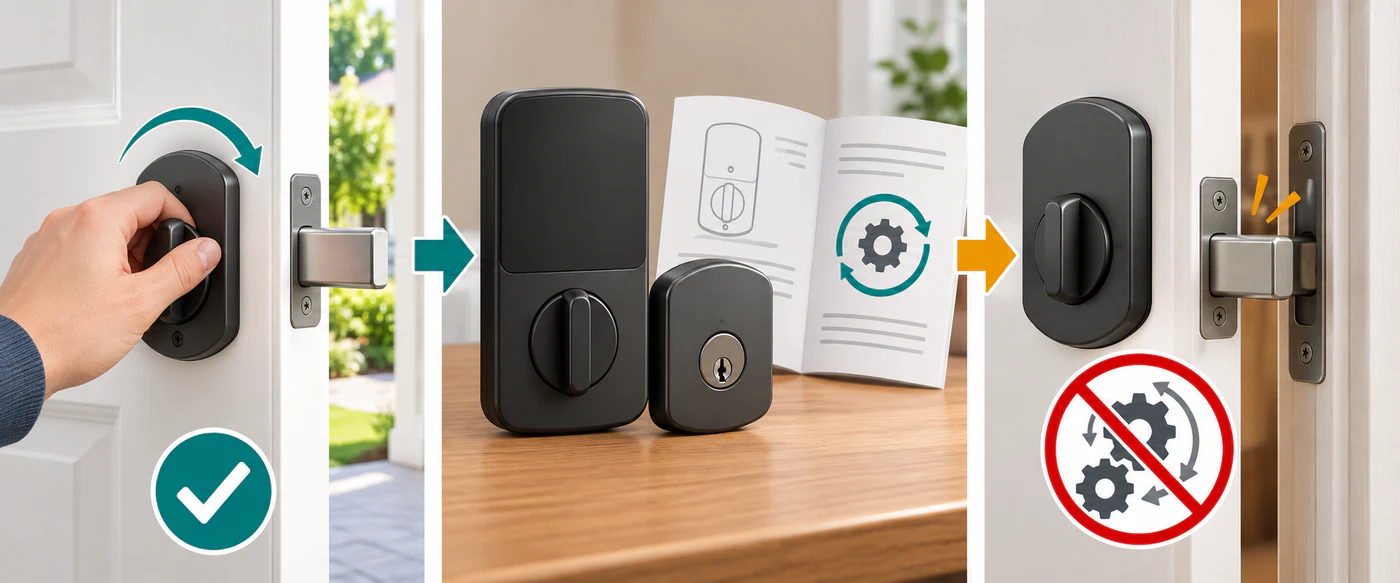
If calibration repeatedly fails, record the exact error and what moved. Avoid repeated retries against a door that does not move normally by hand. See calibration and jam diagnosis.
5. Separate power and app symptoms
Once the door moves normally, check the lock’s battery or charge state, the manufacturer app, phone Bluetooth during setup, and any required hub or bridge. A lock that works locally but not through one smart-home app points toward integration, controller, firmware, or feature support rather than mechanical fit.
In Home Assistant, a lock entity’s “jammed” state means it tried to move but became stuck; “unavailable” means the entity is unavailable. Neither state identifies the underlying physical cause. Check the physical lock and the manufacturer’s own diagnostics before treating an app state as a compatibility verdict.
6. Decide what the evidence supports
Keep mechanical and electronic conclusions separate:
| What you established | What it means |
|---|---|
| Exact model, door, and required action match documented limits; the door moves normally | Fit is supported for the checked configuration; continue with setup diagnosis if needed. |
| Fit depends on a measurement, accessory, firmware, or manual step you have not verified | Treat the result as conditional and verify that requirement before relying on the lock. |
| The model cannot perform the door’s required action or falls outside its documented fit | The particular configuration is not compatible. |
| The model, market, mechanism, or feature support is undocumented | Keep the result unknown; a similar model or ecosystem logo is not enough. |
Stop and seek manufacturer or locksmith help if the bolt binds, the key or handle behaves unexpectedly, an installation change could compromise the door, or you cannot verify whether it is locked. Keep a dependable mechanical access method. Do not factory-reset a lock or alter network security as a first response to an unexplained symptom.
For focused next steps, see door alignment, handle and multipoint sequences, power problems, and network and ecosystem failures.
Reference material
Sources for this guide
- How to install a deadbolt lockPrimary
- Initial setup of your Smart LockPrimary
- LockPrimary
- Smart Lock U300 User ManualPrimary
- Smart Lock U400Primary