Battery, Charging, Temperature, and Weather Problems
Check lock power, charging access, and model-specific environmental limits before diagnosing incompatibility.
Jump to a section
Low power can look like a network failure or a motor problem, while mechanical resistance can make a powered lock work harder. Start by recording the exact model, the warning or indicator, the battery or charge state, and whether the door moves normally by hand.
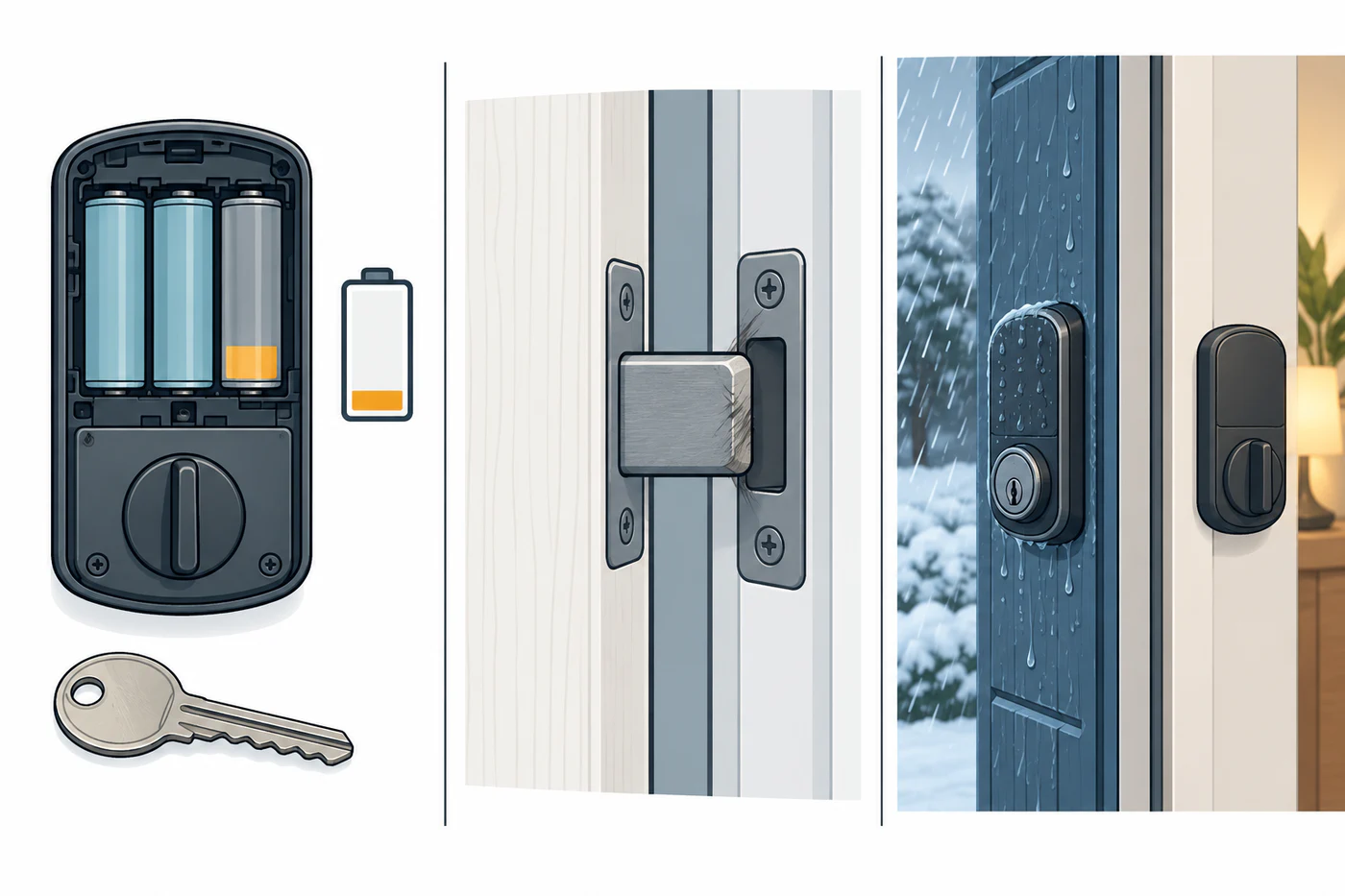
Check in a safe order
- Keep a mechanical key or other documented manual access method available.
- Check the lock or app’s exact battery warning and replace or charge power only as its manual specifies.
- Check that the door and bolt operate normally by hand. A binding door can make a power symptom worse.
- After power is stable, retry only the model’s documented test.
- Compare the installed lock and location with its own operating-environment limits.
Do not assume every lock uses replaceable AA batteries, the same chemistry, a percentage warning, or the same emergency-power method.
Examples show why model matters
| Model or family | Documented detail | Boundary |
|---|---|---|
| Aqara U400 | Aqara lists a rechargeable battery, USB-C charging, a 20% low-battery alert, and an emergency charging port. Its product page lists -18 °C to 55 °C and 0–95% relative humidity without condensation, and marks the outer panel IP65. | These are U400 product-page claims. IP65 applies to the outer panel, not automatically to the full door assembly; the page does not give a complete emergency recovery procedure. |
| Aqara U300 | Aqara lists four AA batteries, a 5 V USB-C emergency port, outer-panel operation from -30 °C to 55 °C, and inner-panel operation from -10 °C to 55 °C; the cited page also specifies 0–93% relative humidity without condensation. | These are specifications for model DL-D02D. The page does not provide battery runtime or an emergency-power procedure; the two panel limits do not certify the entire door. |
| Schlage Encode, Encode Plus, and Encode Lever | Schlage describes remaining-battery notifications at 8, 6, 4, 2, and 1 weeks in the updated Schlage Home app. | These are predictive warning intervals for the named app and product family, not guaranteed runtime. |
| Yale Assure Series | Yale’s cited New Zealand support page lists a jammed deadbolt as one possible contributor to faster battery drain. | This is a possible cause, not a universal diagnosis or runtime threshold. |
Use the lock’s exact manual for battery replacement, charging accessories, emergency power, and low-power indicators. A USB port, backup-power contact, or battery notification is not permission to improvise a power source or force the bolt.
Check temperature and exposure separately
A lock’s component temperature or humidity rating does not certify the door, frame, seals, interior mechanism, or installation for the same exposure. Check the exact model and the location of each panel. Condensation, water entry, cold batteries, and a shifted frame can affect different parts of the system; do not infer whole-door suitability from an outer-panel rating.
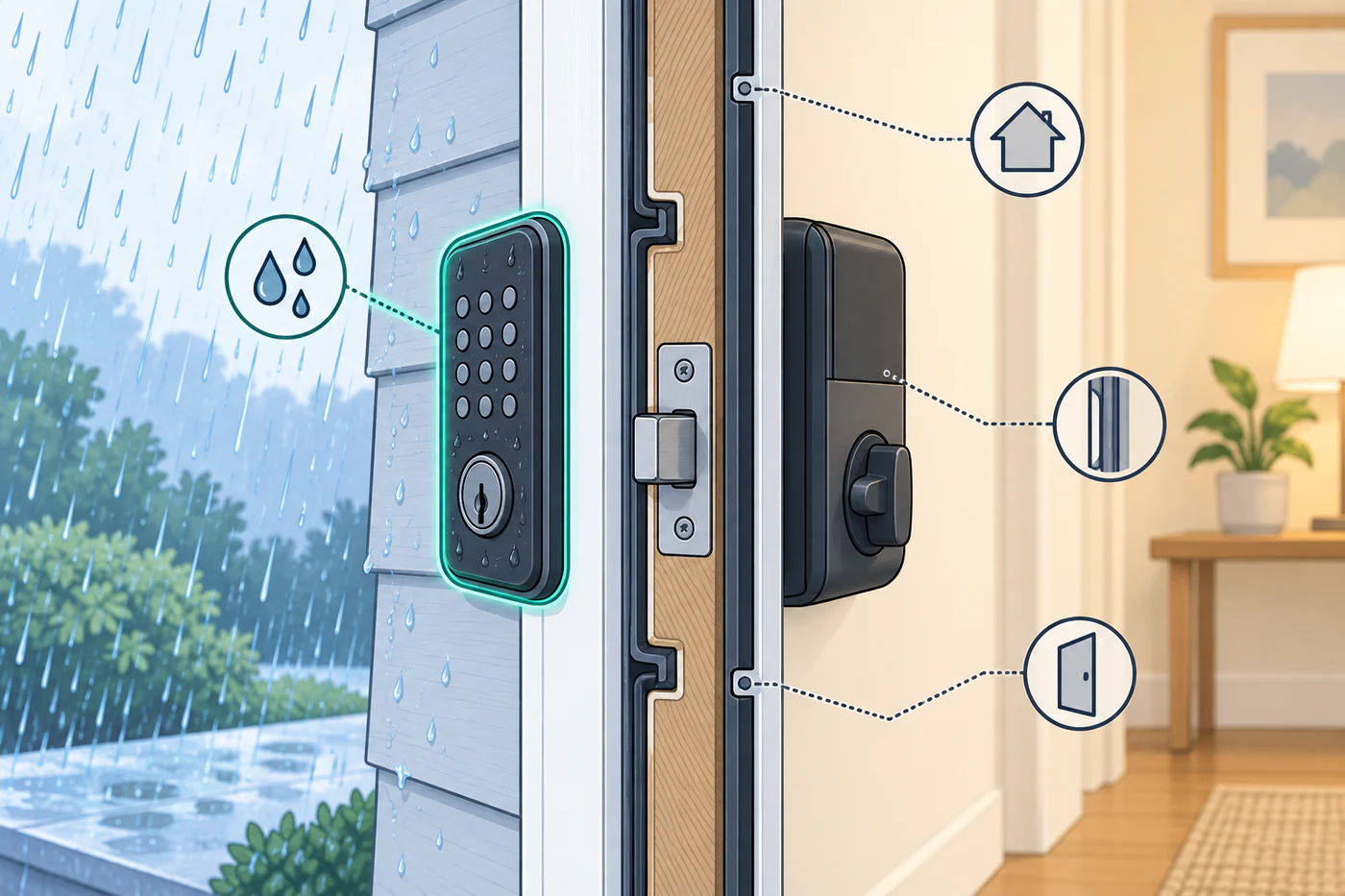
If the lock works more reliably after warming or charging, record that pattern and compare it with the manufacturer’s published limits. Avoid repeated powered tests while the door is binding or the lock is exposed beyond its documented conditions.
For app and controller symptoms after power is stable, see Wi-Fi, Bluetooth, Thread, Hub, Firmware, and Feature Failures. For a motor that stops under load, see calibration and jam diagnosis.
Reference material
Sources for this guide
- Smart Lock U400Primary
- Smart-Lock-U300-SpecsPrimary
- Predictive Battery Analytics for Encode Family LocksPrimary
- Assure Lock SeriesPrimary