Aqara U200 Calibration After Installation
Use the Aqara U200 app or Set-button calibration path and distinguish calibration failure from a binding door.
Jump to a section
This guide applies only to Aqara Smart Lock U200. Calibration is part of the model’s installation setup; it is not a general smart-lock reset and should not be used to mask a door or bolt that binds.
Before calibration
Confirm that the lock is installed according to the U200 manual and that the door and lock mechanism move normally by hand. Aqara’s U200 manual places its calibration flow indoors with the door closed and unlocked. If the bolt or key is difficult to move, correct that mechanical issue before repeating calibration.
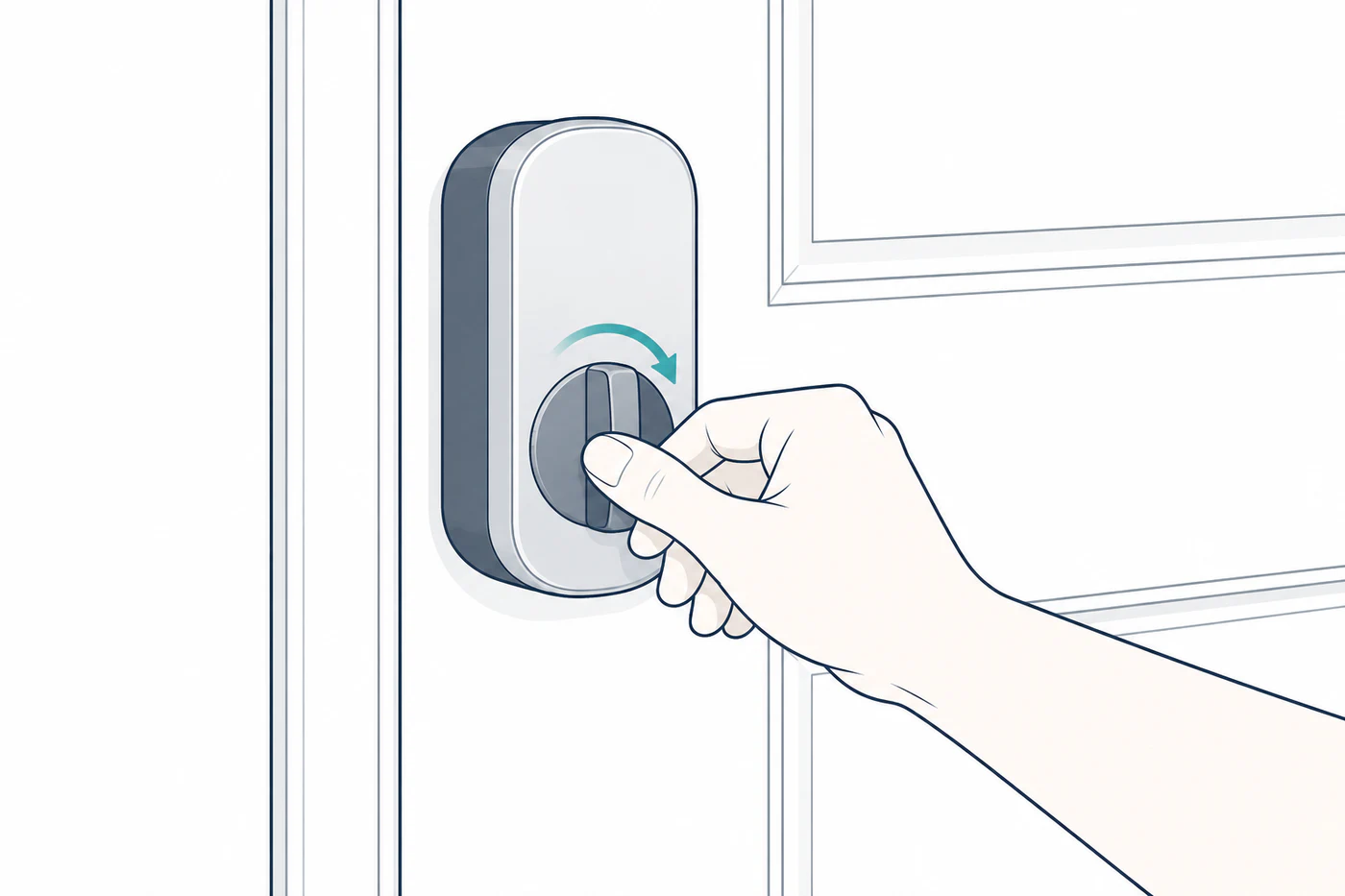
Choose the documented entry point
For Aqara Home, Aqara lists two calibration paths:
- In the lock’s app settings, open Calibrate Lock and choose automatic or manual calibration.
- Long-press the lock’s Set button for three seconds to start automatic calibration.
For Matter users, Aqara’s installation FAQ says to hold Set for three seconds after installation to start automatic calibration. This is a U200 procedure; another Aqara lock may use a different button sequence.
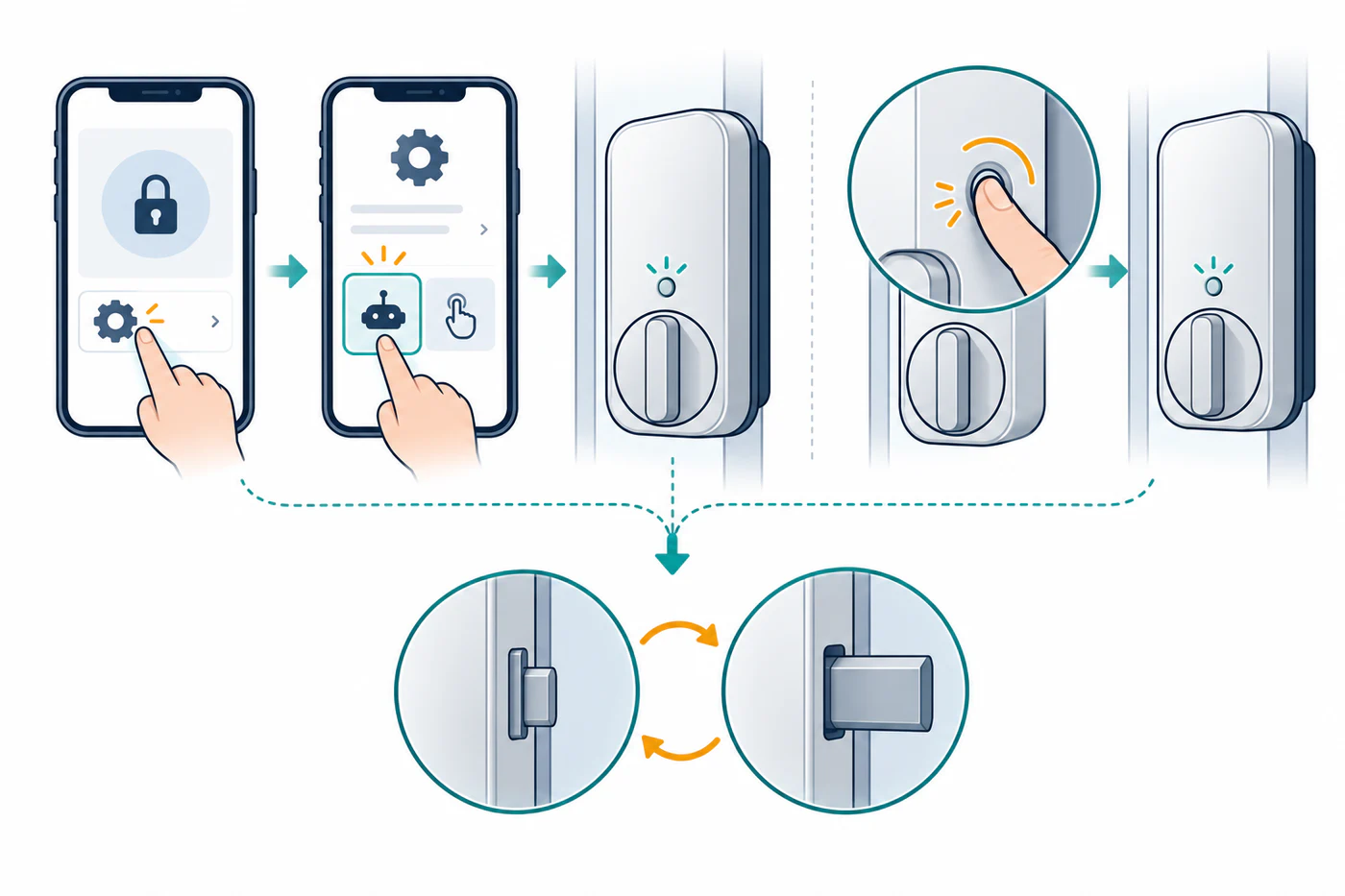
The U200 manual describes the calibration cycle between unlocked and locked positions. A long two-tone indication means calibration failed. The manual directs the installer to check whether screws are loose or over-tightened, then recalibrate. Do not loosen or remove hardware unless the U200 instructions make the step clear and you can keep a safe access path.
If it still fails
Record the exact signal and whether the door was open or closed. Check the bolt’s manual movement, mounting pressure, and installation before trying another cycle. If it binds, the calibration cannot diagnose or repair the strike, cylinder, or door.
Do not factory-reset the U200 just because calibration failed. Use the separate reset instructions only when the manufacturer’s troubleshooting path calls for them, and confirm that you can still enter the home and restore the intended ecosystem setup.
For general motor and jam diagnosis, see Calibration, Motor Torque, Jams, and Latch/Bolt Confusion.
Reference material
Sources for this guide
- U200 Installation MethodsPrimary
- Aqara U200 User ManualPrimary