Nuki Smart Lock Calibration and Remote State Checks
Recalibrate a Nuki Smart Lock on site and understand why a remote lock command cannot prove the door is secure.
Jump to a section
Nuki calibration stores the lock’s minimum and maximum positions for its locking rotation. Nuki says calibration may be lost when a door is stiff or needs adjustment, or after manual key operation where the inner and outer keys do not turn synchronously. These are possible causes, not a diagnosis of every Nuki model or cylinder.
Recalibrate on site
Nuki recommends recalibrating within Bluetooth range so someone can check that it succeeded and that the door stays closed:
- Be at the door with Bluetooth access to the Smart Lock.
- In the Nuki app, select the lock and open its settings.
- Go to Features & Configuration → General → Calibrate Smart Lock.
- Follow the app, then confirm locally that the door is closed and the lock is in the expected position.
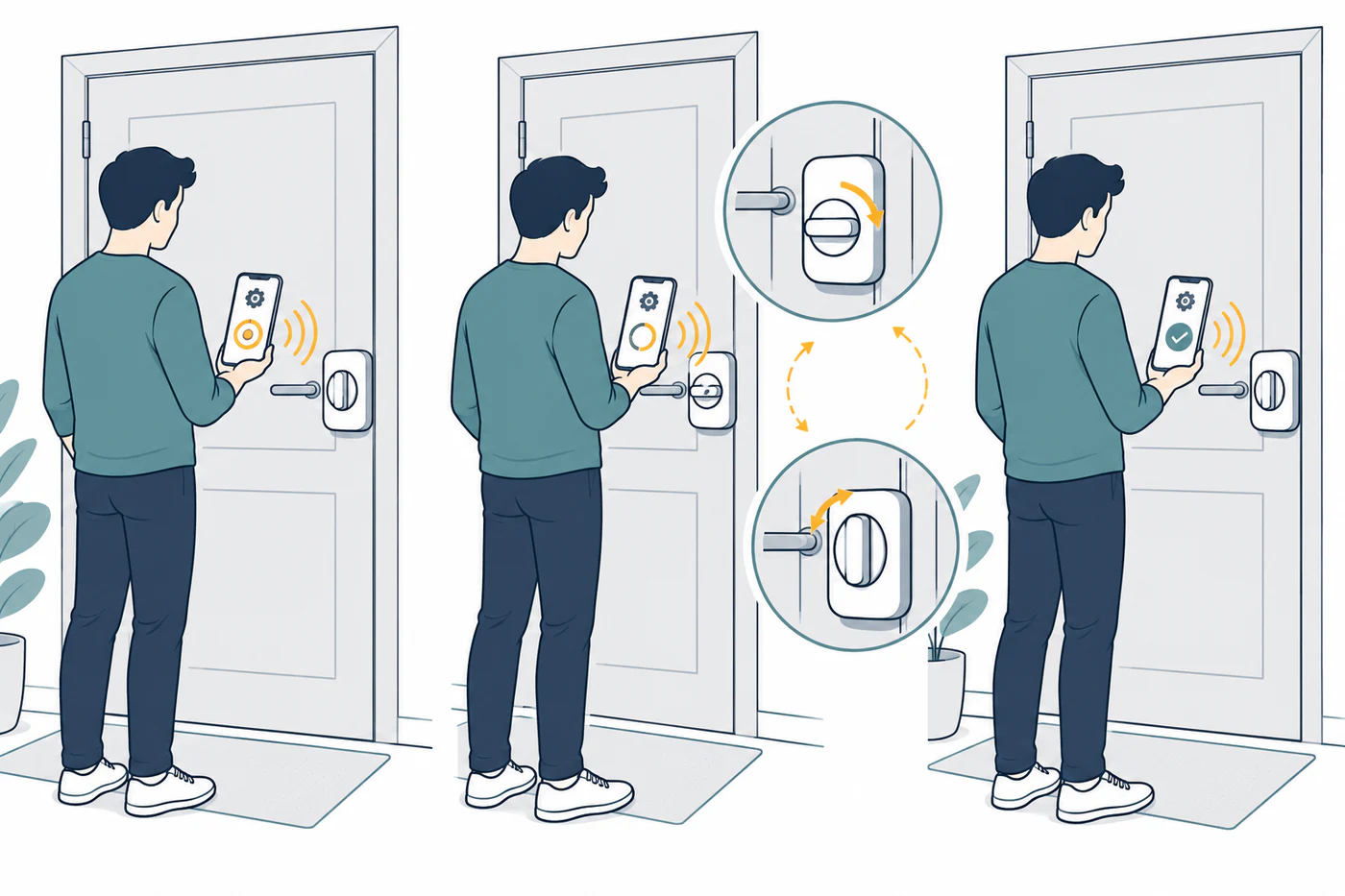
If the lock is stiff or the door does not move normally, address the mechanical resistance first. Calibration records the expected movement; it does not repair a misaligned strike or incompatible cylinder.
Treat remote state correction carefully
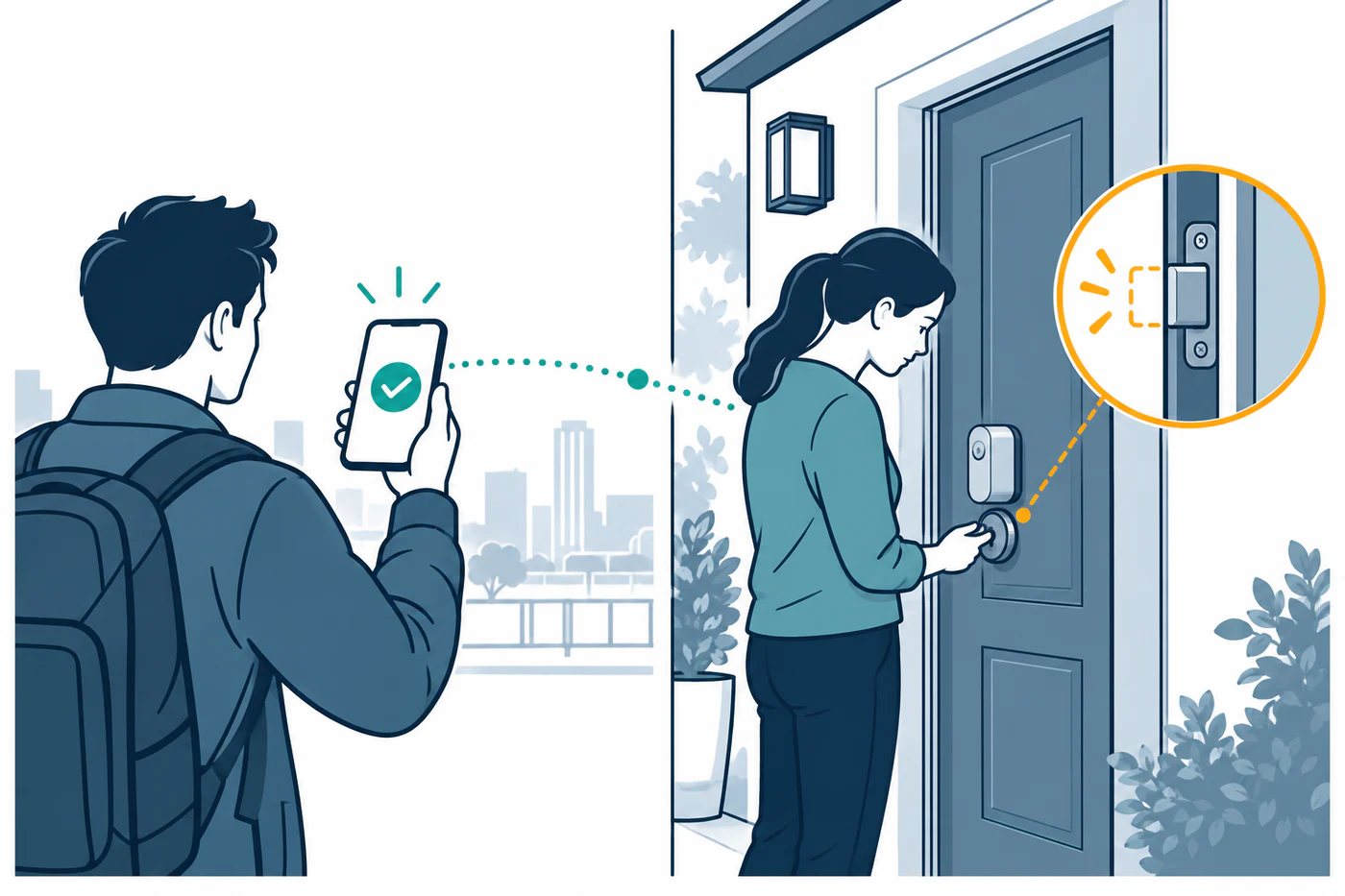
Nuki describes using an app or web lock command to correct a reported state when away, but warns that in rare cases the key may turn in the opposite direction and leave the door unlocked. Use a remote correction only when a person on site can verify the closed door and the physical lock state. An app update alone is not proof that the door is secure.
If the door has a lift-up handle, the Nuki setup guide says the lock cannot lift the handle; it must already be lifted before the locking action. See handle-lift and multipoint problems.
The setup path and app labels can change. Confirm the exact Nuki model, cylinder, and current instructions before recalibrating or relying on remote access.
Reference material