Identify a Door Lock by the Action It Performs
Observe whether the door turns a deadbolt or cylinder, pulls a latch, lifts a handle, or follows a multipoint sequence before checking smart-lock compatibility.
Jump to a section
A smart lock must operate the part of the door that secures or releases it. Before comparing products, observe the normal action needed to lock and unlock the door. A matching shape or familiar product name does not prove that a motor can complete that action.
Observe the normal inside operation
With the door open, look at the inside hardware and use it only as you normally would. Record each action in order. Do not force a stiff mechanism or take apart a lock to identify it.
| What you observe | What to record | Why it matters |
|---|---|---|
| A thumbturn or key rotates a bolt into the frame | Whether it is a deadbolt, which side has a key, and whether a handle must also move | A device that turns a key may not operate a separate latch or handle. |
| A key turns a cylinder while the lock case in the door edge moves | The cylinder profile, key or thumbturn arrangement, and what the handle does | The cylinder controls the lock case, but the smart lock still has to match the cylinder and the action of the case. |
| A handle releases a spring latch | Whether the smart device must only unlock, or also pull the latch to open the door | “Unlocked” may leave a separate latch holding the door shut. |
| The handle must be lifted before the key turns or the door locks | The lift-before-turn sequence and whether the handle returns freely | A key-turning motor may not be able to lift a handle. |
| Several points move along the door edge | The visible points, the handle or key sequence, and which door panel moves first | A multipoint system needs its own mechanism and sequence check; the word “multipoint” is not a fit verdict. |
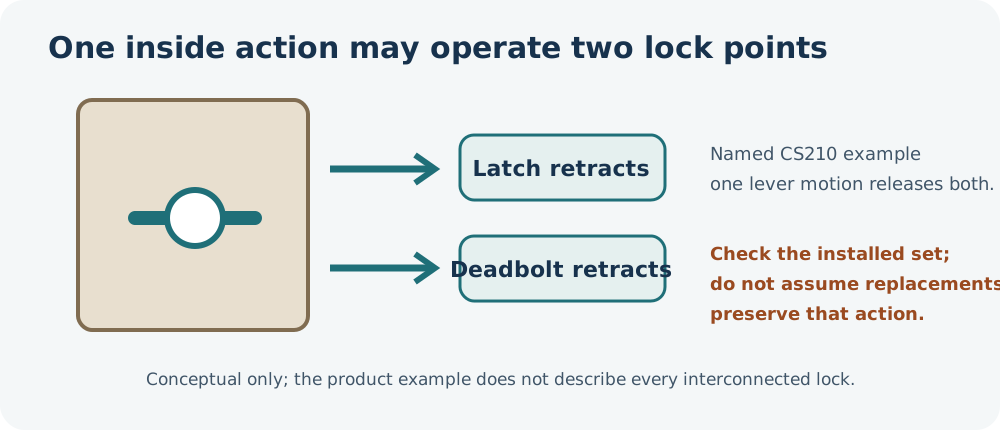
| One inside lever operates a deadbolt and latch | Whether one action releases both, which side moves, and the exact installed model | An interconnected set’s exit action may not be preserved if parts are replaced or treated as independent. |
| The lock is surface-mounted on the inside of the door | Its markings and how the latch or bolt moves | Rim or night-latch hardware follows different product rules from a standard deadbolt. |
If you cannot safely identify the action, record “unknown.” Do not infer a mechanism from a photo of the outside alone.
Separate turning, latch pulling, and handle lifting
Turning a key or thumbturn, pulling a latch, and lifting a handle are separate operations. One smart lock may perform one or more of them, while another may only turn the existing key. For example, Nuki’s setup guide says its Smart Lock can pull a latch on supported fittings, but cannot lift a lift-up handle; the handle must already be raised before the lock can lock. Aqara’s U200 can pull a latch when its Pull Spring Feature is enabled. Both statements apply to the named product and setup path, not to every latch or multipoint door.
A handle that moves other hardware may also release more than one point. Observe the full normal sequence without forcing it: lift, turn, push, or pull, and note which step actually secures the door. If the sequence is unclear, use the door or lock manufacturer’s guide or ask a qualified installer.
Schlage describes its CS210 interconnected entrance function as retracting both the latch and deadbolt with one inside-lever movement. This is one named product example, not a universal arrangement. If the installed lock is interconnected, record its exact function and model before considering a retrofit or replacement; do not assume the same exit action will remain when separate components are substituted.
Record key and emergency behavior separately
Write down whether the inside uses a key or thumbturn, whether a key can remain inserted, and whether a second key can operate the cylinder from outside at the same time. Do not treat a cylinder profile as proof of an emergency or dual-action function.
Yale’s Linus checker describes one model-specific test for a Euro-profile cylinder: with the door open, place keys in both sides and check whether both can turn the lock. Follow the exact checker and cylinder instructions for that test. Do not generalize it to other profiles or products. If you cannot verify the function safely, leave it unknown and check the exact cylinder documentation.
Keep app states separate from physical fit
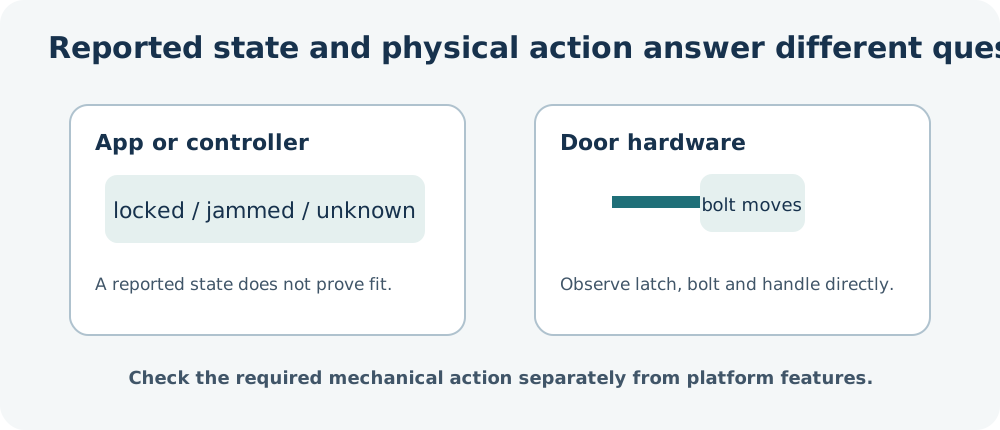
A smart-home app may report “locked,” “unlocked,” “open,” “jammed,” “unavailable,” or “unknown.” Those are software-reported states, not proof that a specific model fits the door. Home Assistant, for example, distinguishes a lock that is unlocked from one that has released a separate latch; whether an “open” action exists depends on the connected lock.
Make a short operation record
Before checking a model, note:
- Country or market and door type.
- What the inside handle, key, or thumbturn does, in order.
- Whether a latch, deadbolt, cylinder, or several points move.
- Whether the handle must be lifted, and whether it is connected to the outside handle.
- Key location, key retention, and any verified emergency function.
- Every uncertainty that still needs a measurement, exact manual, manufacturer, or installer.
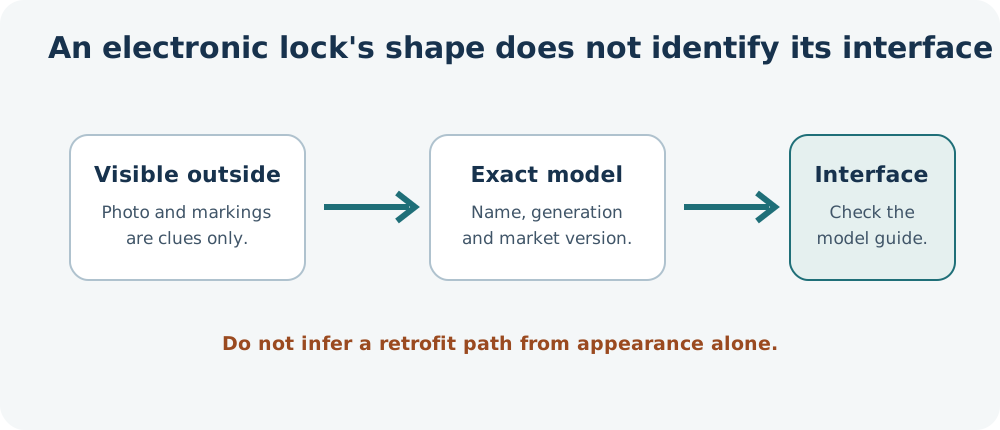
If a smart lock is already installed, record its exact model, generation, and market version. Its exterior shape does not identify the mechanical interface or establish that it can be replaced with a retrofit device.
Continue with the general measurement record or the multipoint checklist if several points move along the door edge. A mechanism name helps narrow the next check; only the exact model and door evidence can establish compatibility.
Reference material
Sources for this guide
- Initial setup of your Smart LockPrimary
- U200 Installation MethodsPrimary
- Linus Compatibility CheckerPrimary
- LockPrimary
- CS200 Series Grade 2 Interconnected LockPrimary