Check Door Swing, Handing, Panels, and Locking Sequence
Record which way a door moves, which panel is active, what clears the frame, and the full lock sequence before checking a smart-lock model.
Jump to a section
A door can have enough room for a smart lock on one side and not the other. A patio door can have an active and passive panel. A handle may need to move before the key turns. Record these details instead of relying on the door’s model name or a photo of one lock face.
Record swing and handing without guessing
Write down whether the door opens inward or outward from the side used in the exact product manual. Record hinge locations and which panel moves first. Left/right handing conventions can depend on the manufacturer’s diagram and viewing side, so use the same viewpoint and terminology as the relevant guide. If you are unsure, take a clear hinge-and-door-edge photo and ask the manufacturer or installer rather than assigning a handedness label.
Measure nearby frame, handle, trim, wall, and glass clearances around the lock centre. The required clearance depends on the smart-lock model and swing. Nuki’s U.S. deadbolt guide, for example, gives different frame distances for inward- and outward-opening doors. Those numbers apply to that guide and product context; they are not general clearance thresholds.
Identify active and passive panels
For a double-opening patio door, record which panel opens first and whether the second panel is fixed or opens later. Andersen’s 200 Series inswing guidance asks the reader to distinguish single-opening from double-opening units and then inspect the active panel and lock mechanism. It describes active and passive lock mechanisms for the named door system. Other door families may use different terms or configurations, so verify the series and hardware.
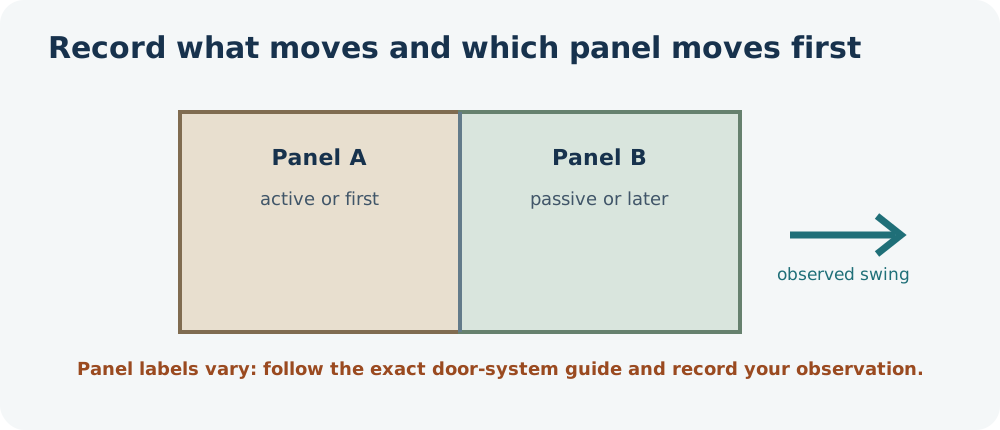
Photograph the full edge of each moving panel and note any markings, hooks, rollers, latches, or separate bolts. Do not assume the panel that looks like the main door contains all the locking hardware.
Record the door and mounting form
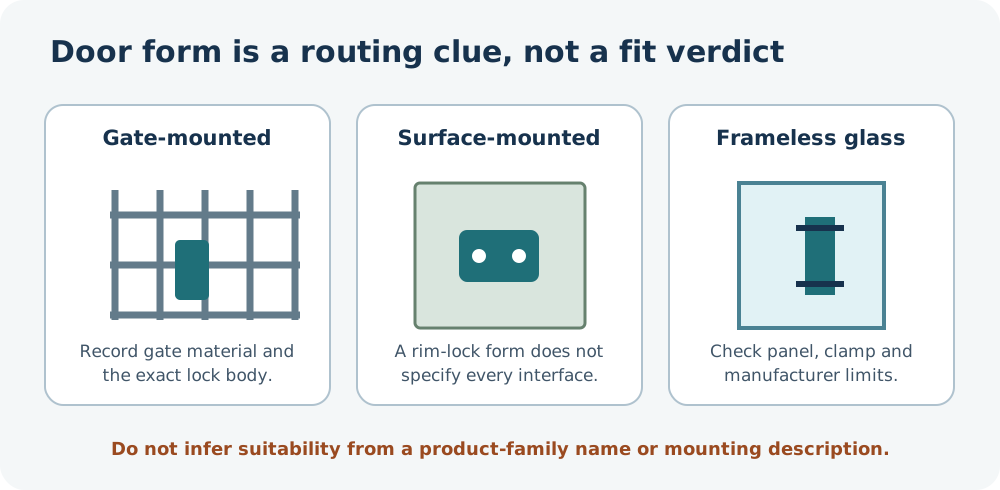
Note what the door is made from and how the existing lock is attached: through a bored timber or metal door, mounted on its surface, built into a mortise case, attached to a gate, or clamped to a frameless glass panel. These descriptions help route the question to the right product instructions; they are not fit categories with universal dimensions.
One manufacturer may offer separate products for different forms. Aqara’s U500 announcement, for example, describes a gate lock for iron gates, a surface-mounted rim lock, and a clamp-on product for frameless glass. The announcement supplies no general gate, rim-lock, or glass-panel limits. Record the exact construction and current hardware, then check the specific model’s installation requirements. A product name or “no drilling” description does not establish that a particular panel or gate can safely accept it.
Write the operation as a short sequence
With the door open, observe the normal action required to secure it. For example: close the active panel, lift its handle, turn the key, then secure the passive panel. Your actual door may use a different sequence. Record which action moves each point and whether the inside and outside handles are interconnected.
A key-turning smart lock may not lift a handle or move every point on a multipoint mechanism. Nuki’s guide describes supported lift-up-handle variants but says the Smart Lock cannot lift the handle itself. That is a product-specific capability boundary, not proof that another motor can or cannot operate your door.
Keep a system record
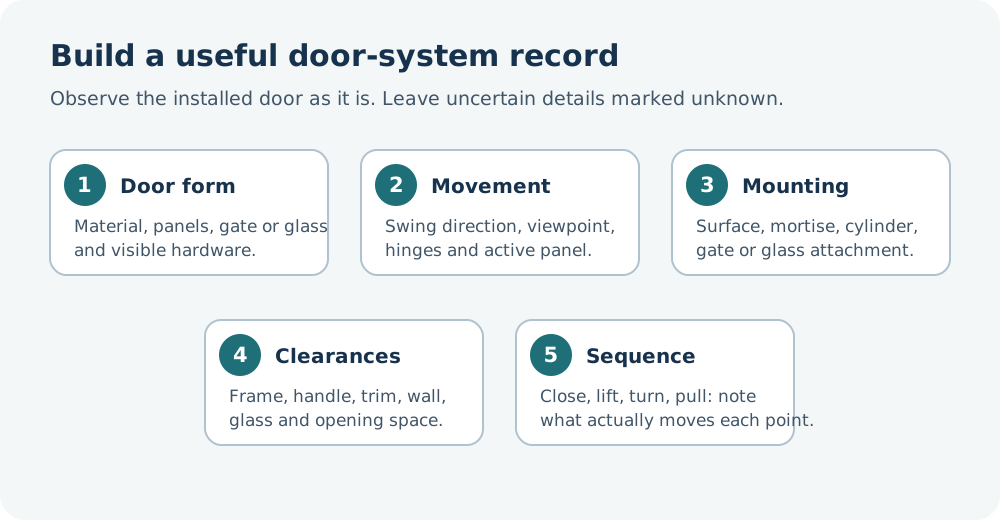
Before checking a product, capture:
- Door family, manufacturer, series, and country.
- Inward or outward swing, the viewpoint used, hinge position, and active panel.
- Clearances from the lock centre to frame, handle, trim, or nearby wall.
- Visible lock points and any markings along each moving panel.
- The full sequence of handle, key, thumbturn, latch, and bolt actions.
- Unknown fields requiring a manufacturer diagram or installer inspection.
For several lock points along the door edge, use the multipoint identification and measurement checklist. For a door whose mechanism is still unknown, use the compatibility intake checklist. This record narrows the exact-model check; it does not establish compatibility by itself.
Reference material