Keep Smart-Lock Compatibility Records Current
Track model, market, source, firmware, and door conditions so an old compatibility result is not mistaken for a current guarantee.
Jump to a section
A compatibility result applies to the product, door, and documentation that were checked. It can become misleading when the model generation, regional kit, installation instructions, or required platform changes. Keep enough detail to repeat the check rather than storing a bare “works” note.
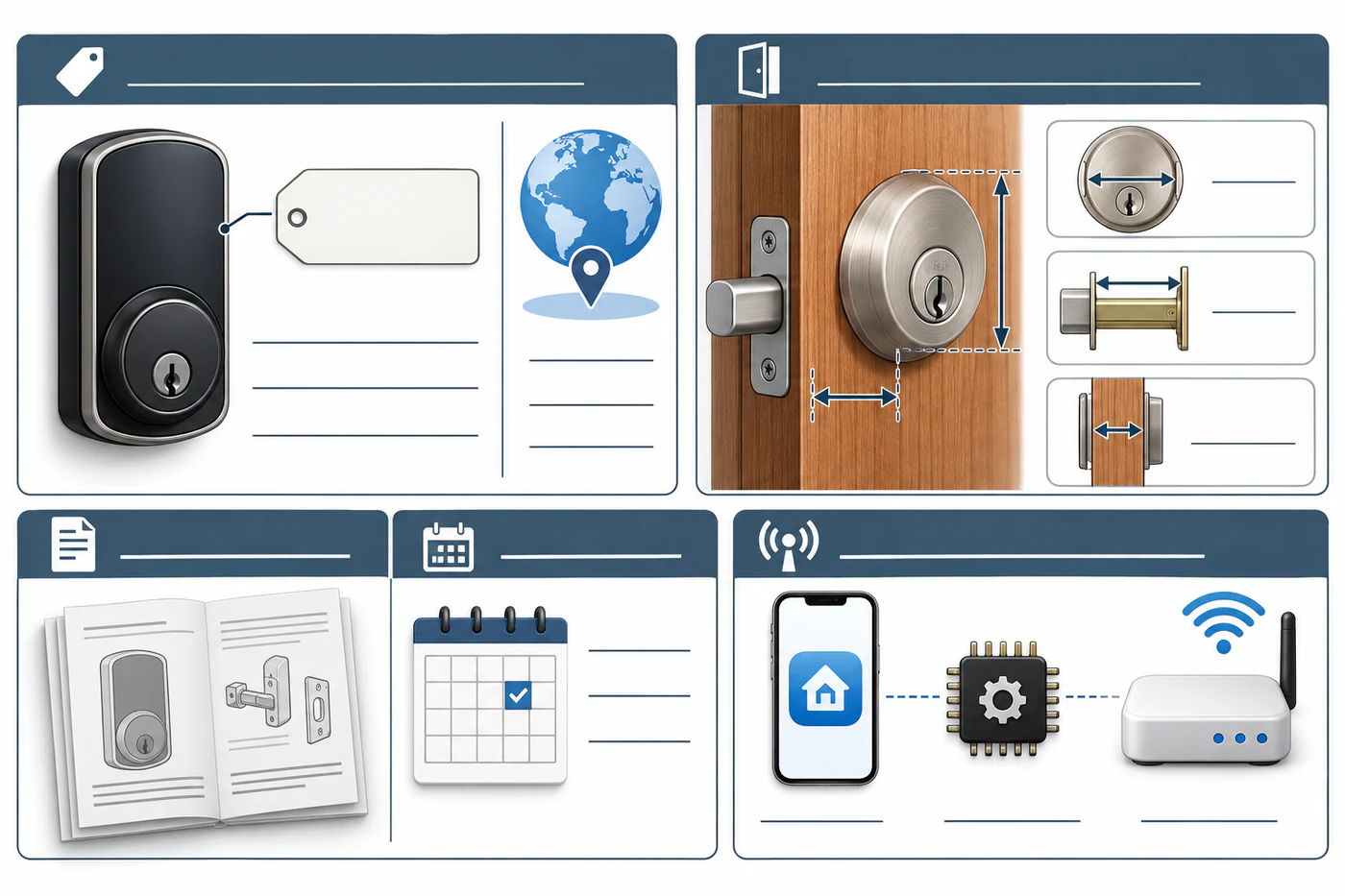
A useful record ties a specific lock and market to the measured door and the source and date used for its verdict.
Save the basis for each verdict
For every record, keep:
- Exact product name, model code, generation, package, and sales market.
- Door and lock mechanism, required operation, and the measurements that were checked.
- The verdict and any accessory or condition required for it.
- Source title and URL, date checked, and the specific manual, checker, or product page used.
- Firmware, app, hub, network, or module versions only when they affect the feature being recorded.
Keep physical fit, lock operation, and ecosystem support in separate fields or notes. This makes it clear whether an update affects the door, the way the lock moves, or only remote access.
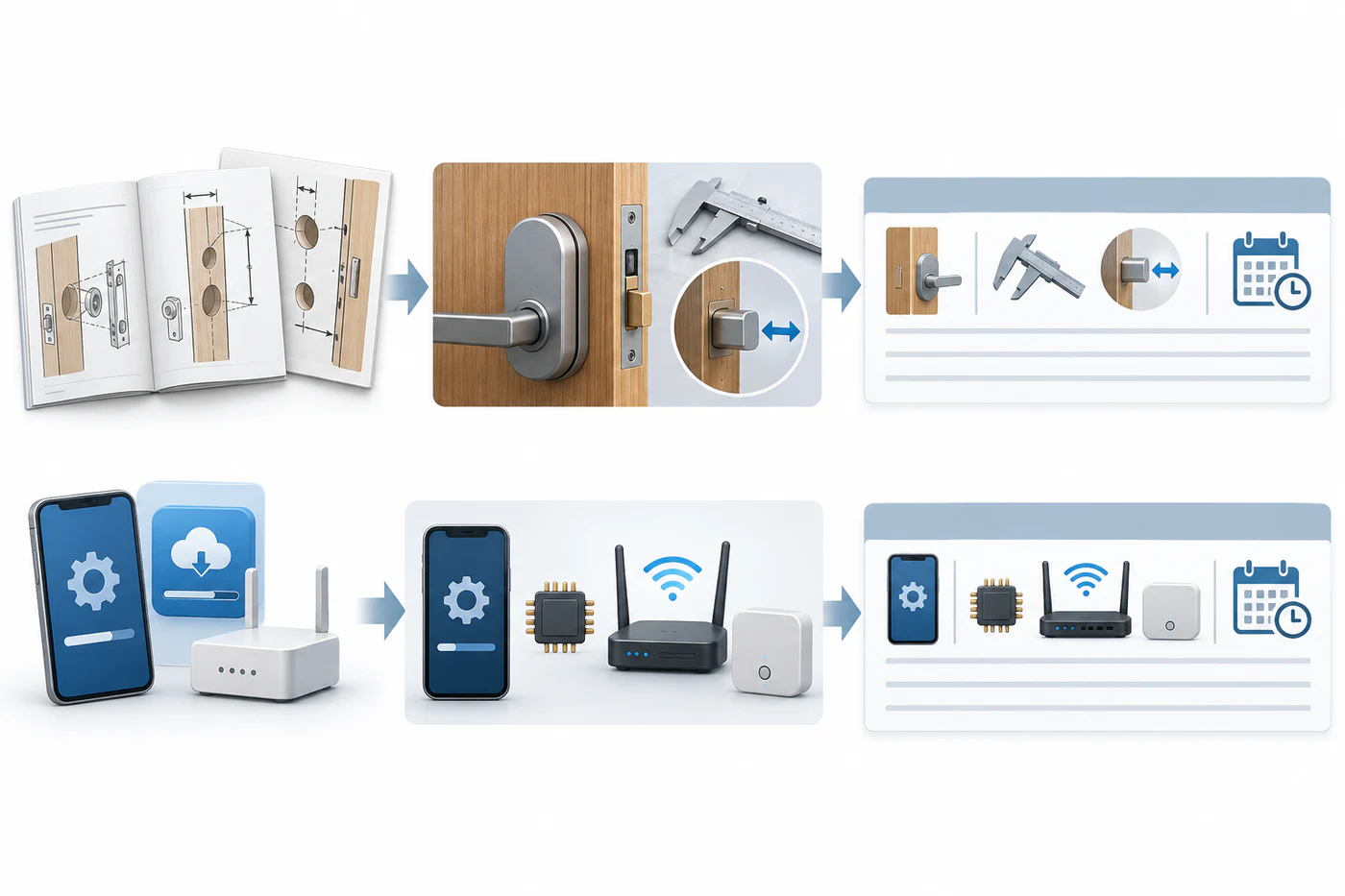
Recheck the fields affected by a source change; physical fit and electronic support remain separate results.
Recheck when a relevant detail changes
Revisit a record when the product code, generation, package, installation instructions, app, firmware, hub, or regional availability changes. Also recheck before buying or installing if the earlier result was conditional, based on a checker that has changed, or did not identify the exact model. A family name is not a durable identifier: Aqara lists multiple U400 model codes and package groupings, while Nuki documents generation-specific capabilities.
For network features, consult the current support article for the installed Nuki generation; requirements can differ even when two products share the brand and basic function. For physical fit, use the current model-specific installation sheet rather than treating a newer app or firmware as evidence that a cylinder or door preparation is suitable.
Network requirements can change independently of door fit. For example, Nuki’s current remote-access guidance recommends a standard 2.4 GHz signal with WPA2/3 mixed mode and says the Smart Lock and Bridge do not support Wi-Fi 6, WPA3, or 5 GHz. Recheck the current guidance and match the connection path to the installed generation before relying on that example. See Nuki model and connectivity boundaries for the generation-specific routes.
Keep unknowns and dates visible
Do not replace missing evidence with a confident guess. If the current manufacturer material does not document a measurement or behavior, preserve “unknown—not documented” and the question that needs an answer. Note when a source was last checked so readers can tell what needs refreshing. No fixed review interval is appropriate for every lock and market; recheck when the decision depends on it and before acting on a stale or incomplete record.
Use the pairwise verdict guide to make the result precise and the exact-model checklist to keep the identity reproducible.
Reference material