Abode Lock: Hub Requirements, Alexa, Google Home, and PINs
Check what Abode says about using its named lock without a security hub, its Alexa and Google Home integrations, and keypad-stored access credentials.
Jump to a section
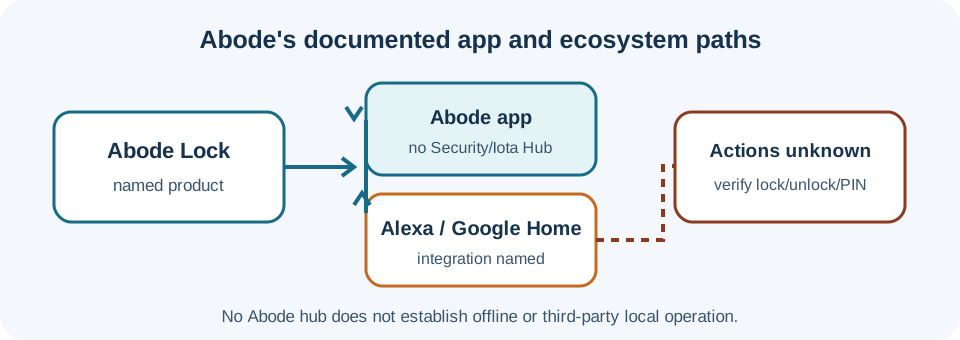
Abode’s FAQ describes a specific Abode Lock that can be used with the Abode app without an Abode Security Hub or Iota Hub. It also names Alexa and Google Home integrations and says the lock does not support Apple HomeKit. Those are product-level statements; the FAQ does not give the actions available through Alexa or Google Home, nor does “no Abode hub” prove offline or third-party local control.
Separate the app, hub, and ecosystem questions
The FAQ says the Abode app can be used without the Security Hub or Iota Hub. It separately says the lock integrates with Alexa and Google Home. It does not identify Matter, the network transport, the third-party controller or hub requirements, or whether those integrations can lock, unlock, report status, manage PINs, or trigger automations. Treat those actions as unknown until the exact lock’s current setup flow confirms them.
The FAQ says Apple HomeKit is not supported. That statement is limited to the named Abode Lock and the FAQ checked here; it should not be generalized to other Abode products or future versions. The Alexa guide and Google Home guide explain which platform-level features still need exact-lock verification.
Know where keypad credentials live
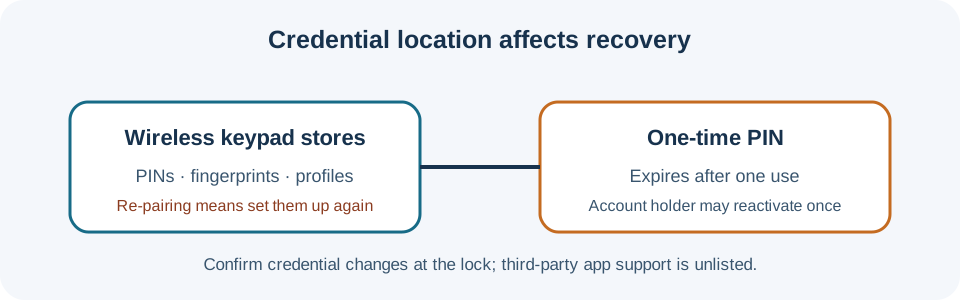
Abode says PINs, fingerprints, and user profiles are stored on the wireless keypad. Replacing or re-pairing that keypad means setting up those credentials again. Its FAQ says a one-time PIN expires after one use; the account holder can reactivate it for one more single use. This is not evidence that an Alexa or Google Home connection can create or manage the same credentials.
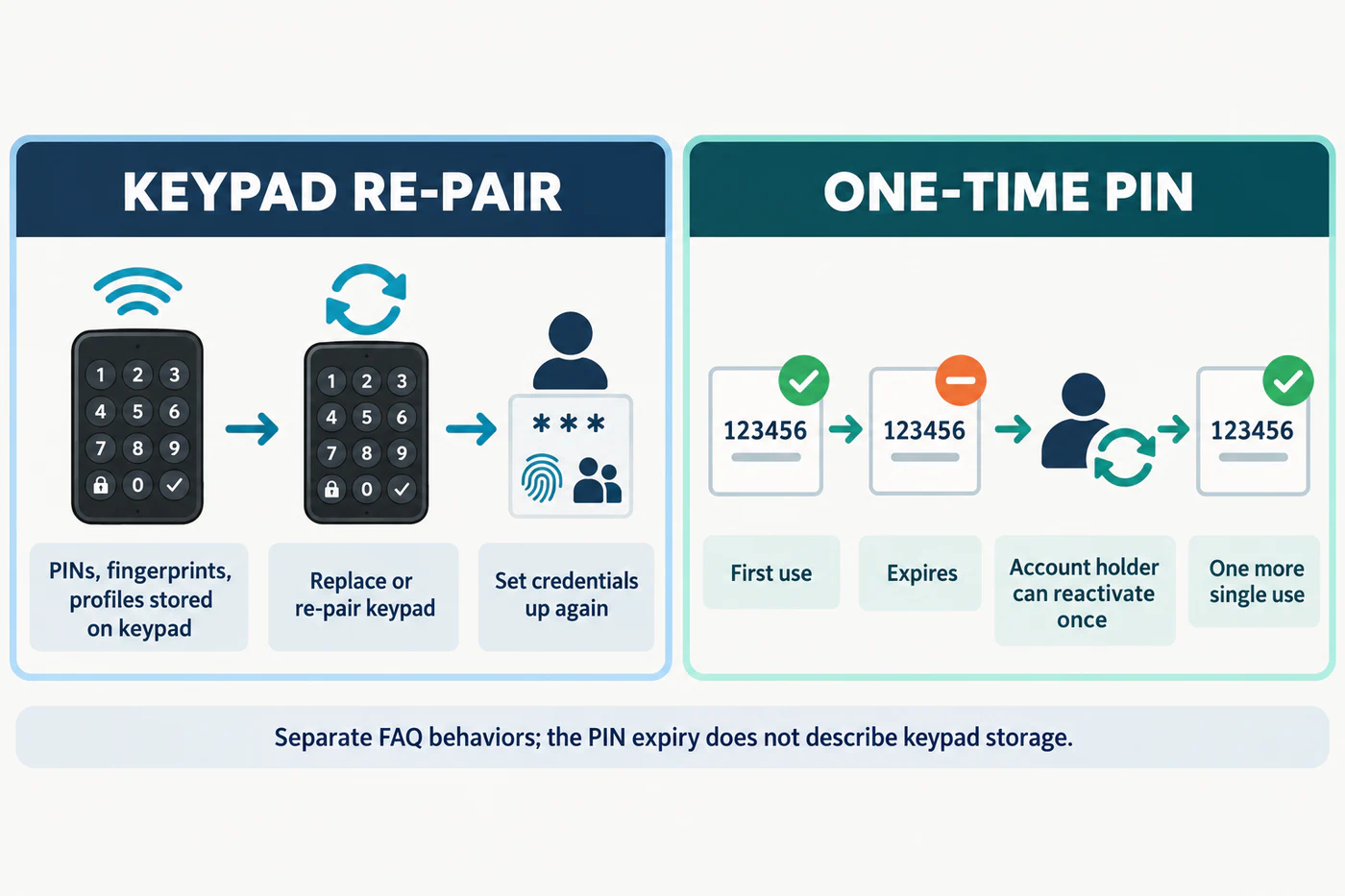
The displayed digits are illustrative; Abode’s FAQ does not specify a one-time PIN format.
Before relying on a third-party app, check whether the desired action is supported for this exact lock, how it affects existing PINs, and what remains available if the keypad must be replaced. Record confirmed actions in the ecosystem feature matrix. These electronic details do not establish whether the lock physically fits a particular door.
Reference material
Sources for this guide
- Abode Lock FAQPrimary